
How to make your own Christmas coloring pages: from a subject, a child's name or a family photo
The blubiu team · Published 2026-11-19
To make your own Christmas coloring pages, pick how personal they need to be. If any Santa or tree will do, print a free page from Crayola or Monday Mandala, which lists about 1,000. If you want your own photo traced, Crayola's custom coloring page lets you add a photo, position it and print. If you want a page made for one child, with their name, their family or a subject at their level, an AI coloring page generator draws it for you. We tested that on blubiu with 12 Christmas pages: ten came back in 26 to 34 seconds and one in 181, all with clean black outlines on white; the name "Mia" was printed exactly in hollow letters to color, and a family photo became a coloring page with everyone recognizable in Santa hats. Pages come out at 1776×2368 pixels, about 210 pixels per inch on US Letter. If you need a hundred pages for a class tomorrow, print a free set instead.
Key takeaways
- Ready-made is fastest: Monday Mandala lists about 1,000 free Christmas pages as PDFs.
- Your own photo: Crayola's custom coloring page lets you add a photo, move and zoom it, and print.
- AI makes one page for one child: 10 of our 12 test pages took 26 to 34 seconds.
- A name prints as hollow letters to color: "Merry Christmas, Mia" came out spelled exactly.
- Pick the level: toddler pages have a dozen big areas, adult pages hundreds of small ones.
What makes a good coloring page
A good coloring page has closed black outlines, no gray shading, areas sized for the colorer's hands, and enough resolution to print sharply.
Keep fixed
- Closed outlines, so color stays inside each shape
- Pure black on white, with no gray to fight the crayons
- Enough pixels for a full page: ours are about 210 per inch on US Letter
Free to change
- The subject: Santa, a tree, a nativity or your own family
- The level: toddlers, kids or adults
- A name line at the top, or no text at all
4 ways to make your own Christmas coloring pages, compared
Print a free set when any picture will do, trace or upload a photo when it must be your family, and use AI when you want a page made for one child.
| Way | Good at | Weak spot |
|---|---|---|
| Print a free set: Crayola, Monday Mandala | Hundreds of pages at once; Monday Mandala's are PDFs on US Letter that fit A4 | Nothing personal: no names, no family |
| Draw or trace by hand | Free and fully yours | Takes the longest, and needs a steady hand |
| Crayola's custom coloring page | Add your photo, move and zoom it, print | Its page does not say whether it is free, or whether you can add text |
| An AI coloring page generator: blubiu's Christmas coloring pages; Canva and Adobe Firefly also have one | A subject, a name or a photo in about 30 seconds, at three difficulty levels | One page per generation, and only generic subjects, no film characters |
How to make a Christmas coloring page with AI, step by step
Pick a Christmas subject, choose toddlers, kids or adults, generate, then open the page full size and print it.
- Open Christmas coloring pages. Santa is selected; switch to a tree, a reindeer, a snowman, a gingerbread house, an ornament mandala, a nativity, Christmas animals, an elf or stockings.
- Choose who's coloring: Toddlers, Kids or Adults.
- Optionally type a first name, or add a photo to trace instead of the subject.
- Generate. Most of our pages took 26 to 34 seconds.
- Open the result full size and print it on US Letter or A4.
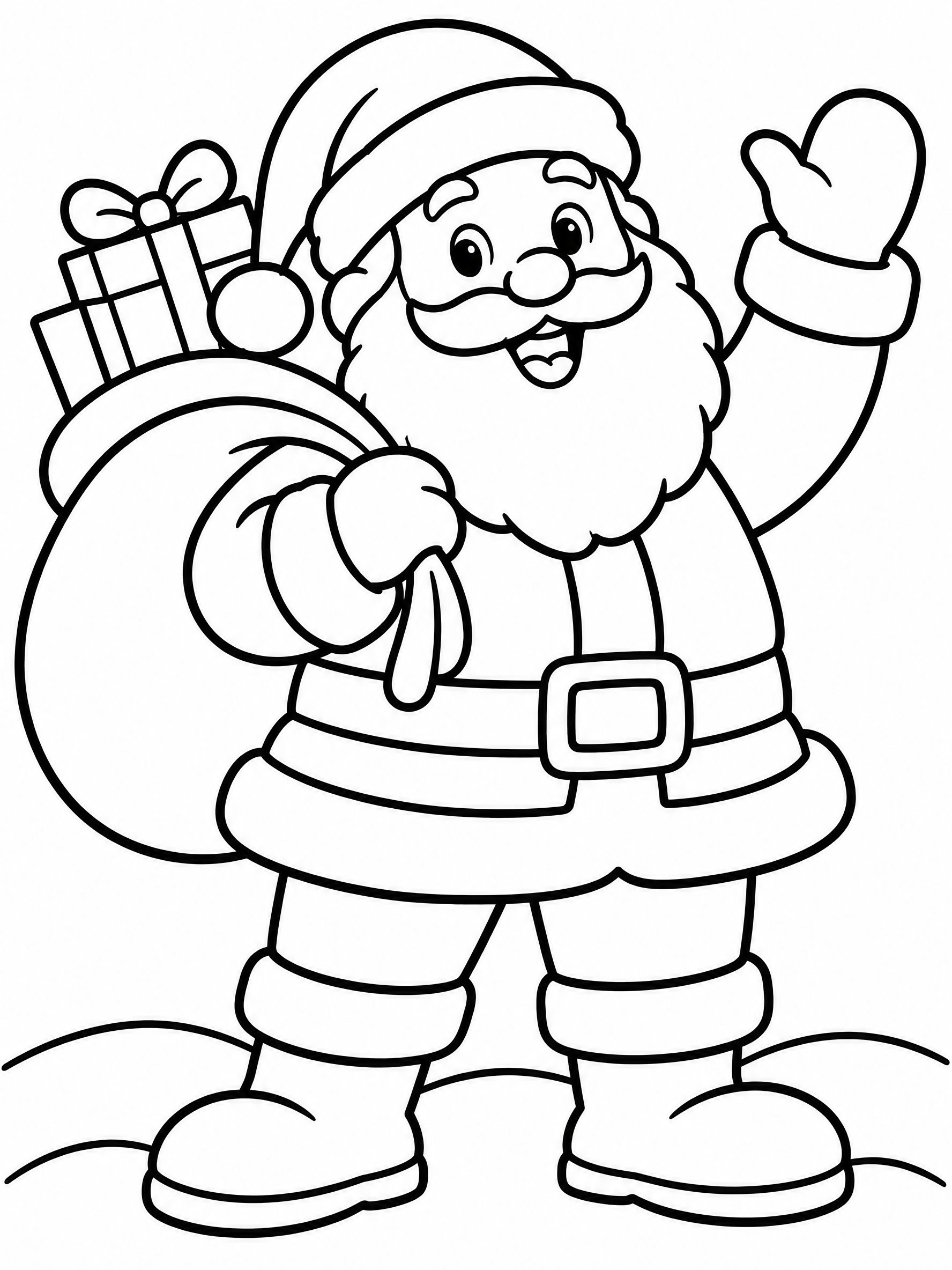
Result: Santa for kids: a classic Santa waving with his sack in the snow, in bold closed outlines, 26 seconds, 1776×2368.
How to make a Christmas coloring page with your child's name
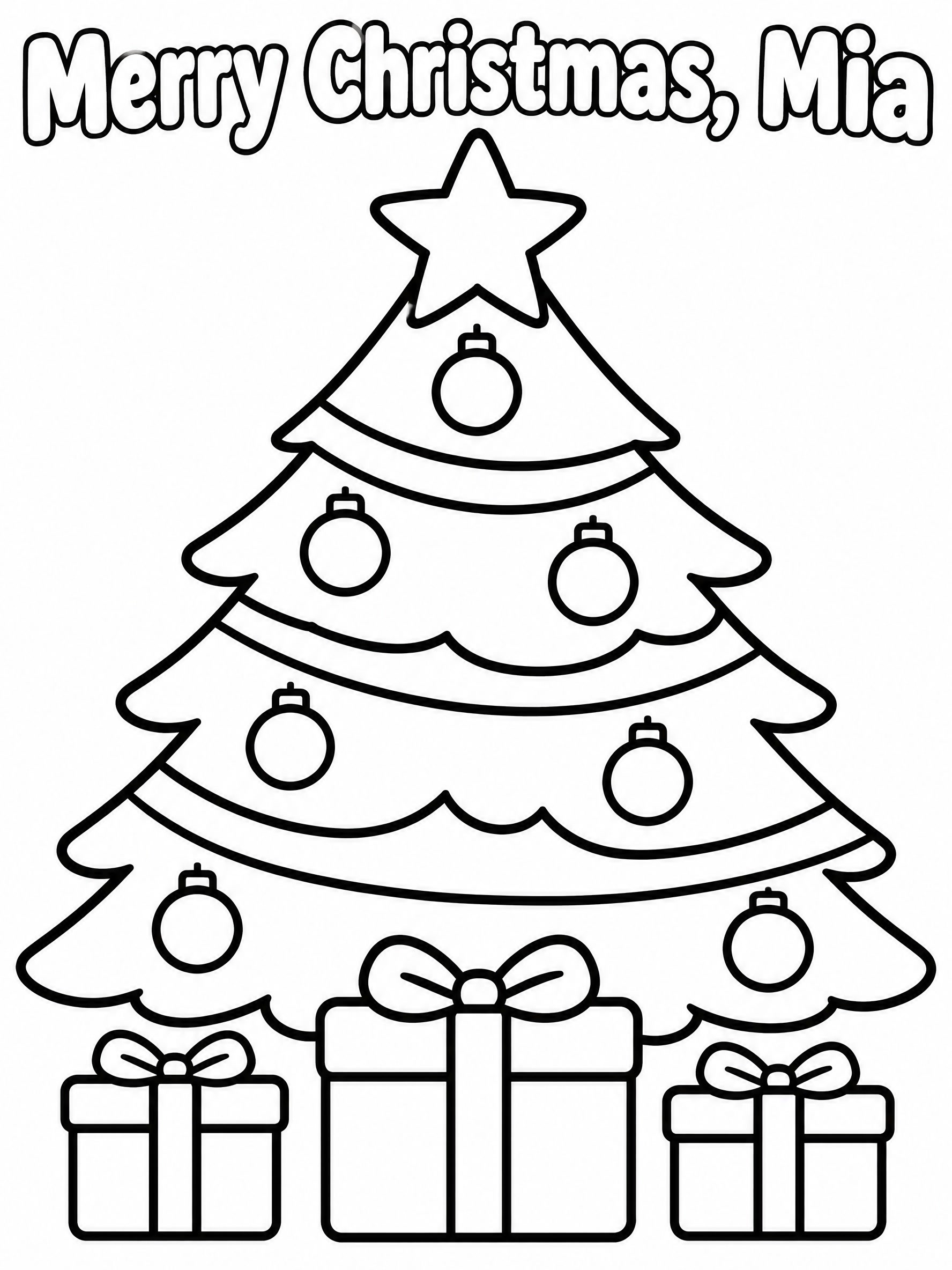
Type the first name in the Name field: the page prints "Merry Christmas, Name" across the top in hollow bubble letters that the child can color.
Result: "Merry Christmas, Mia" above a decorated tree, spelled exactly, in hollow letters across one line, 26 seconds.
Drift and limits: Only that one line is printed; other words are not part of the page. Short names fit the line most neatly.
How to turn a family photo into a Christmas coloring page
Add the photo: it is traced so everyone stays recognizable, each person and pet gets a Santa hat, and Christmas decorations frame the page.
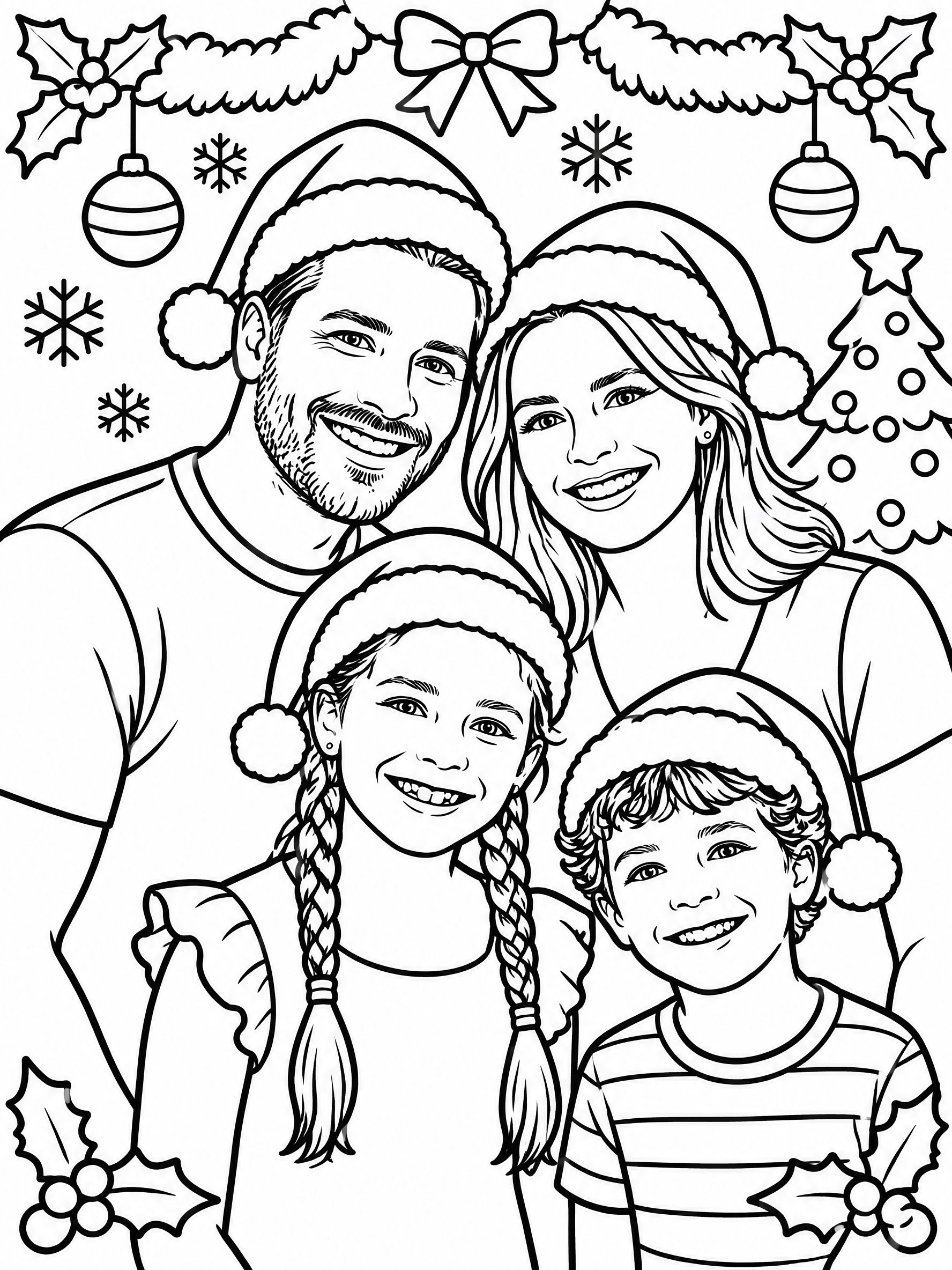
Result: A backyard photo of a family of four: all four recognizable, all in Santa hats, with ornaments, holly and snowflakes around them, 34 seconds. A photo of a woman with her golden retriever took 30 seconds, both in Santa hats.
Drift and limits: The backyard became a Christmas setting, and wide photos are reframed to the portrait page. For a coloring page of exactly your photo with nothing added, use turn photo into coloring page.
Toddlers, kids or adults: which level to pick
Pick Toddlers for ages two to four, Kids for school-age children and anyone who wants an easy page, and Adults for detailed patterns.
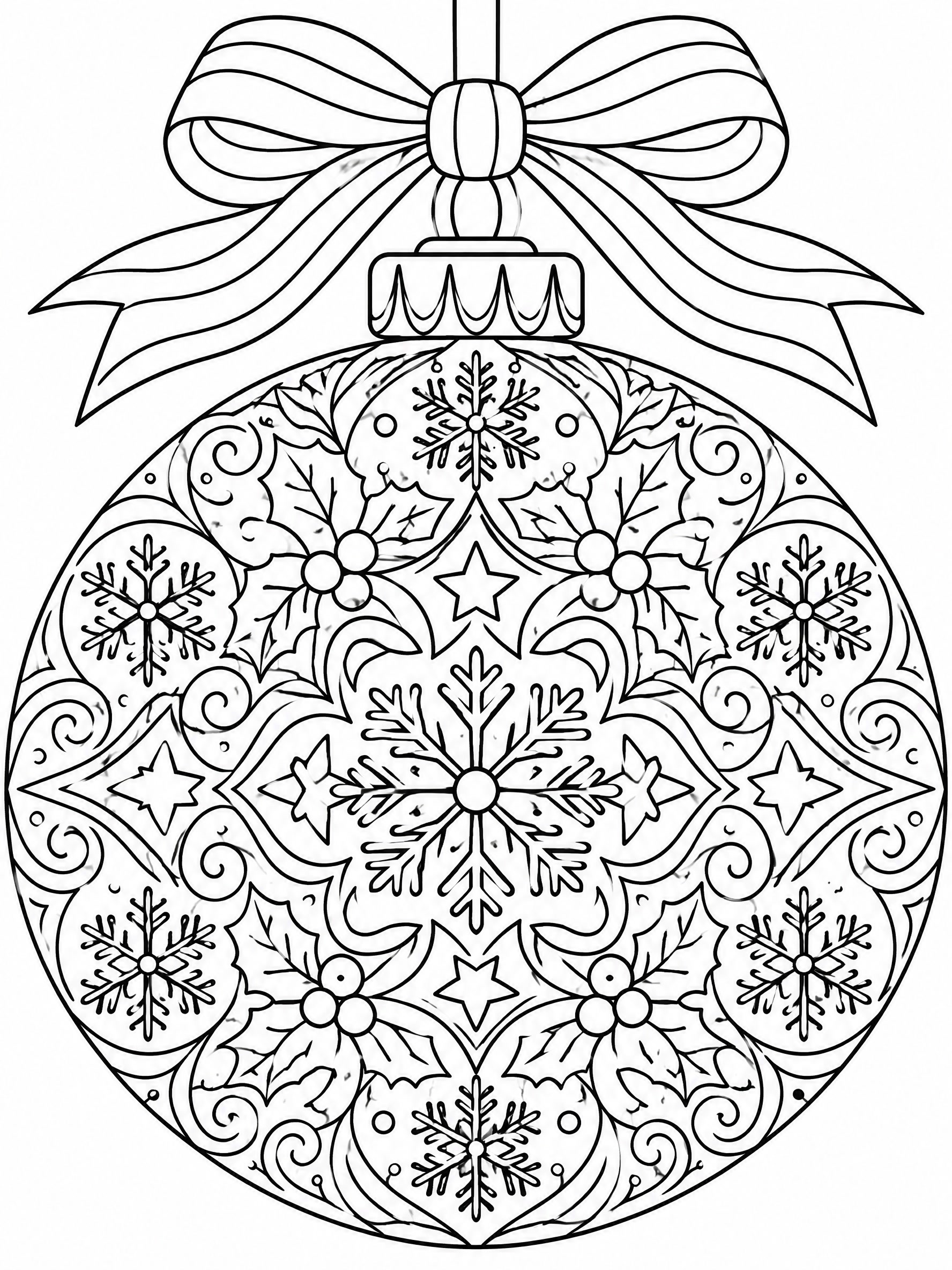
| Level | What our test page looked like |
|---|---|
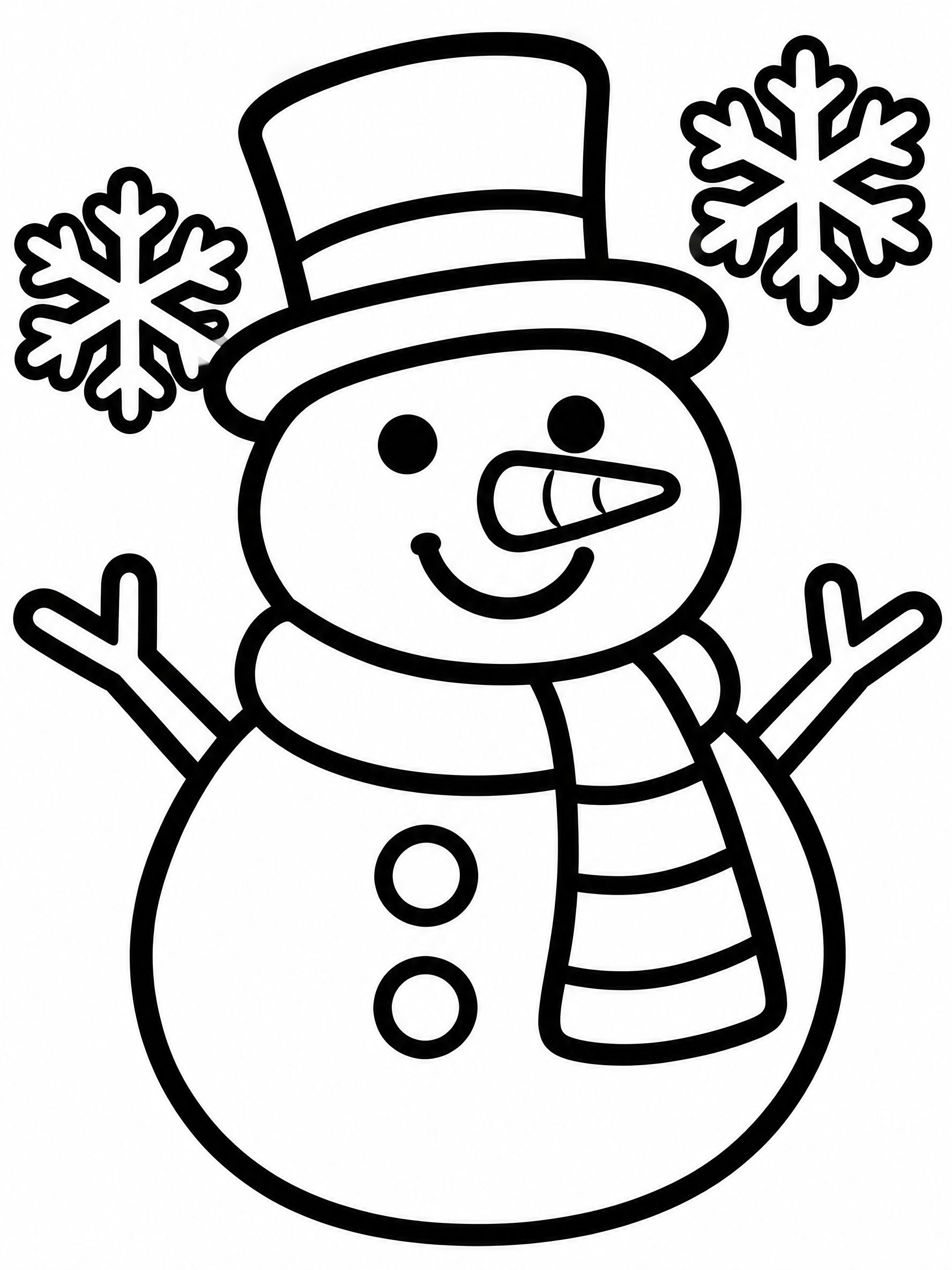
| Toddlers | One big snowman, extra-thick lines, about a dozen areas, almost no background |
| Kids | Santa, a tree or a reindeer with bold lines and big areas |
| Adults | An ornament mandala or a whole living room, with hundreds of small areas |
How to print your Christmas coloring pages
Open the page full size in your browser, print it on US Letter or A4 with "fit to page" turned on, and choose Save as PDF in the same dialog if you need a file.
- 1776×2368 pixels is about 210 pixels per inch on US Letter: sharp enough for crayons and markers.
- Plain printer paper works; heavier paper holds up better to markers.
- Print one copy and check the lines before printing a whole class set.
How we tested it
We made 12 Christmas coloring pages on blubiu (GPT Image 2.6 Flare, 2K, portrait 3:4), timed each one and checked every page for gray, broken outlines and text.
Nine pages from subjects, one with a name and two from photos; the photos are AI-generated test images of made-up people. The two photo pages first timed out in our test script and succeeded when rerun. We checked the files, not physical prints. Model fees for the 12 pages were about $0.60.
| Page | Level | Time |
|---|---|---|
| Santa | Kids | 26 s |
| Christmas tree | Kids | 27 s |
| Reindeer | Kids | 26 s |
| Snowman | Toddlers | 181 s |
| Gingerbread house | Kids | 26 s |
| Ornament mandala | Adults | 26 s |
| Nativity | Kids | 27 s |
| Christmas animals | Kids | 26 s |
| Christmas tree | Adults | 27 s |
| Tree with the name Mia | Kids | 26 s |
| Family photo (rerun) | Kids | 34 s |
| Woman and dog photo (rerun) | Kids | 30 s |
When making your own is the wrong choice
- You need dozens of different pages by tomorrow: a free printable set is faster than generating them one by one.
- You want a page of a film or TV character: we draw only generic Christmas subjects.
- You want your photo traced exactly, with nothing added: the Christmas version adds Santa hats and decorations; use the plain photo-to-coloring-page tool instead.
- You want to color on a screen: these pages are made for printing.
Make your Christmas coloring page
Christmas Coloring Pages →
Pick a subject, add a name or a photo, and print the page; the pages shown there are free to print.
Turn Photo into Coloring Page →
Turn any photo into a coloring page with nothing added.
AI Christmas Card Generator →
Make a color Christmas card to go with it.
How to Add Santa to a Photo: 4 Ways, Tested →
Read another guide: how to add Santa to a photo.
FAQ
How can I create my own coloring pages?
Draw or trace by hand, upload a photo to a custom coloring page tool such as Crayola's, or use an AI coloring page generator. On blubiu's Christmas coloring pages, most pages take under 30 seconds from a subject, a name or a photo.
Is there an app that makes coloring pages?
You do not need to install one: Crayola's custom coloring page, Canva, Adobe Firefly and blubiu all make coloring pages in the browser.
How do I make my own coloring pages for free?
Drawing by hand is free, and the pages shown on our Christmas coloring page are free to print. To generate your own on blubiu, the Free plan's monthly credits cover five pages.
Can I make my own coloring page with words on it?
On the Christmas coloring page, yes for one line: type a first name and it prints "Merry Christmas, Name" in hollow letters to color. Longer text is not part of the page.
How do I make coloring pages for kids?
Choose Kids for bold outlines and big areas, or Toddlers for a few very large shapes. Our toddler snowman had about a dozen areas to color.
Sources and dates
- Questions: Google's People also ask and related searches for "how to make your own coloring pages" (US, 19 November 2026).
- Other ways, as their own pages describe them (read 19 November 2026): Crayola's custom coloring page and Christmas pages, and Monday Mandala's Christmas coloring pages. Canva and Adobe Firefly are named from their page titles in Google's results.
- Test results: our own runs on blubiu on 19 November 2026; the photos are AI-generated test images.