
Image Generator AI
Image generator AI turns a written description into a picture, with GPT Image, Nano Banana, Seedream and more
What is image generator AI?
Image generator AI is a tool that turns a written description into a picture. On blubiu you pick an image model (GPT Image, Nano Banana, Seedream and others), describe the subject, style, light and framing, and pay a fixed number of credits per image for the resolution you choose; add reference images when the result should follow a specific look.
Checked 2026-11-02
Who it's for
- +You want a picture from one description without learning nodes or workflows first.
- +You need the same character in a new scene: add reference images so the model follows that look.
- +You want to compare one prompt across several models and keep the one that fits.
- +You need a first frame for a video: make the still here, then animate it with image to video.
- +You need a quick visual for a post, a thumbnail or a mood board: check the idea at 1K, finish at 2K or 4K.
When not to use it
- −You need a reusable character turnaround sheet — use Character Design. AI Character Turnaround Sheet Generator →
- −A product photo has to become an ad scene with the packaging and logo unchanged — use Product Ad. AI Product Photography Generator →
- −You need motion — use the video generator. Create Video with AI →
How to use this image generator AI
- 01
Describe the shot
Subject + style + light + framing, in one or two sentences. Painterly illustration, rim light, half-body framing is far more repeatable than a beautiful picture of a dog.
- 02
Add references for image-to-image
Upload up to 4 reference images. With a reference the model follows that look, ideal for keeping one character across scenes; with several, say in the prompt what each one is.
- 03
Pick model, ratio and resolution
GPT Image 2.5 Flare is the default; ratios are 1:1, 16:9, 9:16, 4:3 and 3:4. The Generate button shows what this run costs. Draft at 1K, then rerun the keeper at 2K or 4K.
Tips for better image generator AI results
Choose the model by what the image needs
Readable text, like a poster title or labels: GPT Image 2.5 Flare, which draws whole character reference sheets with their titles at 4K. One character from several angles: GPT Image 2, which kept six views of one person consistent in our tests. Low-cost 2K: Seedream 5.0 Flash, which costs the same at 1K and 2K, or GPT Image 2.
Label every reference
With two or more references, say what each one is for: image 1 is the character, image 2 is the product, put the product in her hand. Unlabelled references get blended unpredictably.
Edit with keep … change …
To change one thing in an existing image, upload it and list what stays and what changes: keep her face, hair and jacket; change the background to a night street. An explicit keep-list holds far better than describing the whole new picture.
Use a character sheet for recurring characters
One photo shows one angle, so turned heads and back views are guesses. A consistent character sheet shows three face angles and a full turnaround on one image, which gives the model a matching view for most new scenes.
Set the ratio before you generate
Pick 9:16 for stories and vertical video, 16:9 for banners and landscape video, 3:4 for portrait feeds. Cropping a square later cuts the edges of the composition, and a still you plan to animate in image to video should already be in the video's ratio.
Iterate from the keeper
Two runs of the same prompt differ, because sampling is random. Once one result is close, feed it back as a reference and change a single thing per run, so you can tell which change helped and the rest of the picture stays put.
Image generator AI examples
All of these were generated on blubiu.
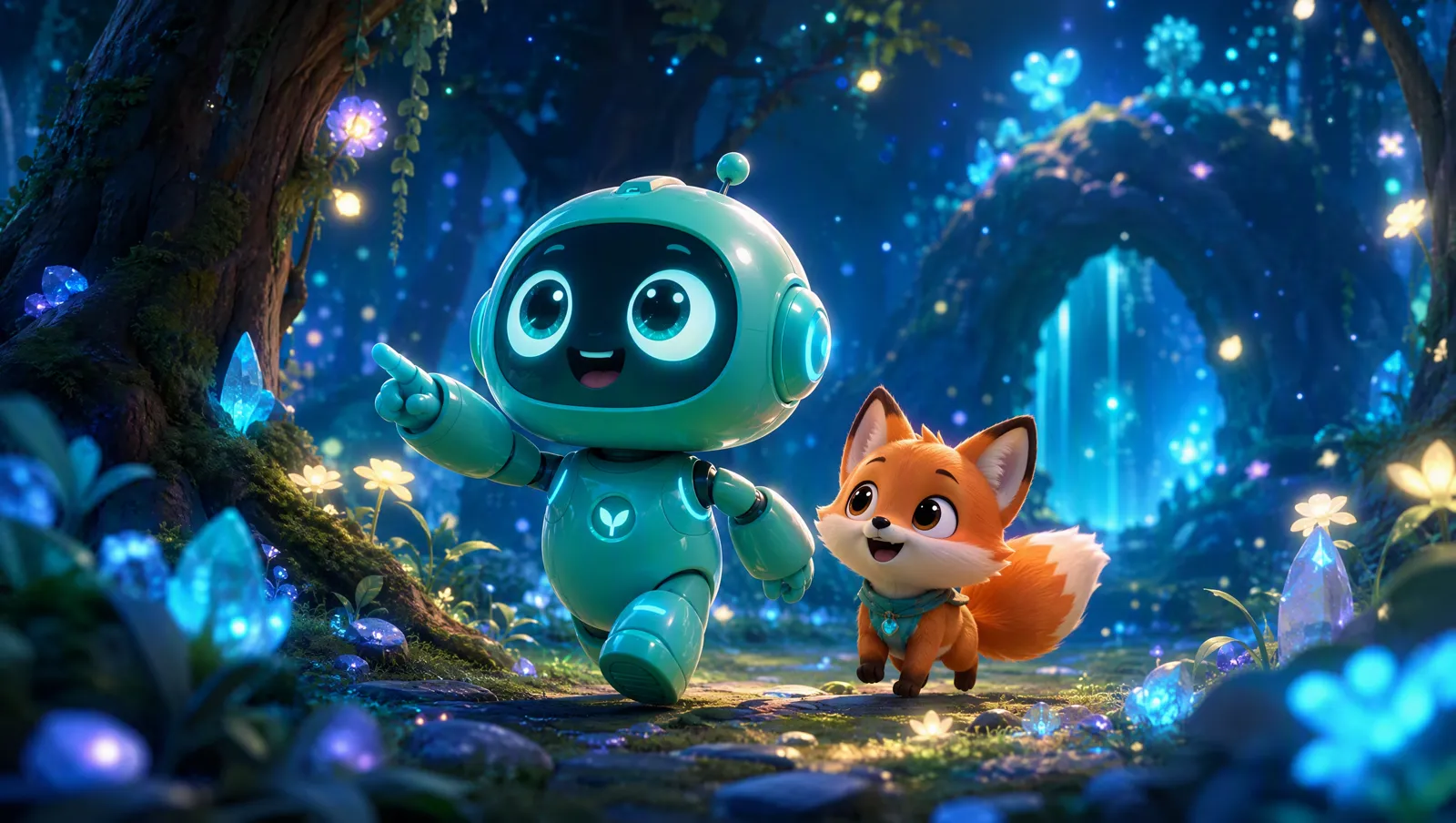
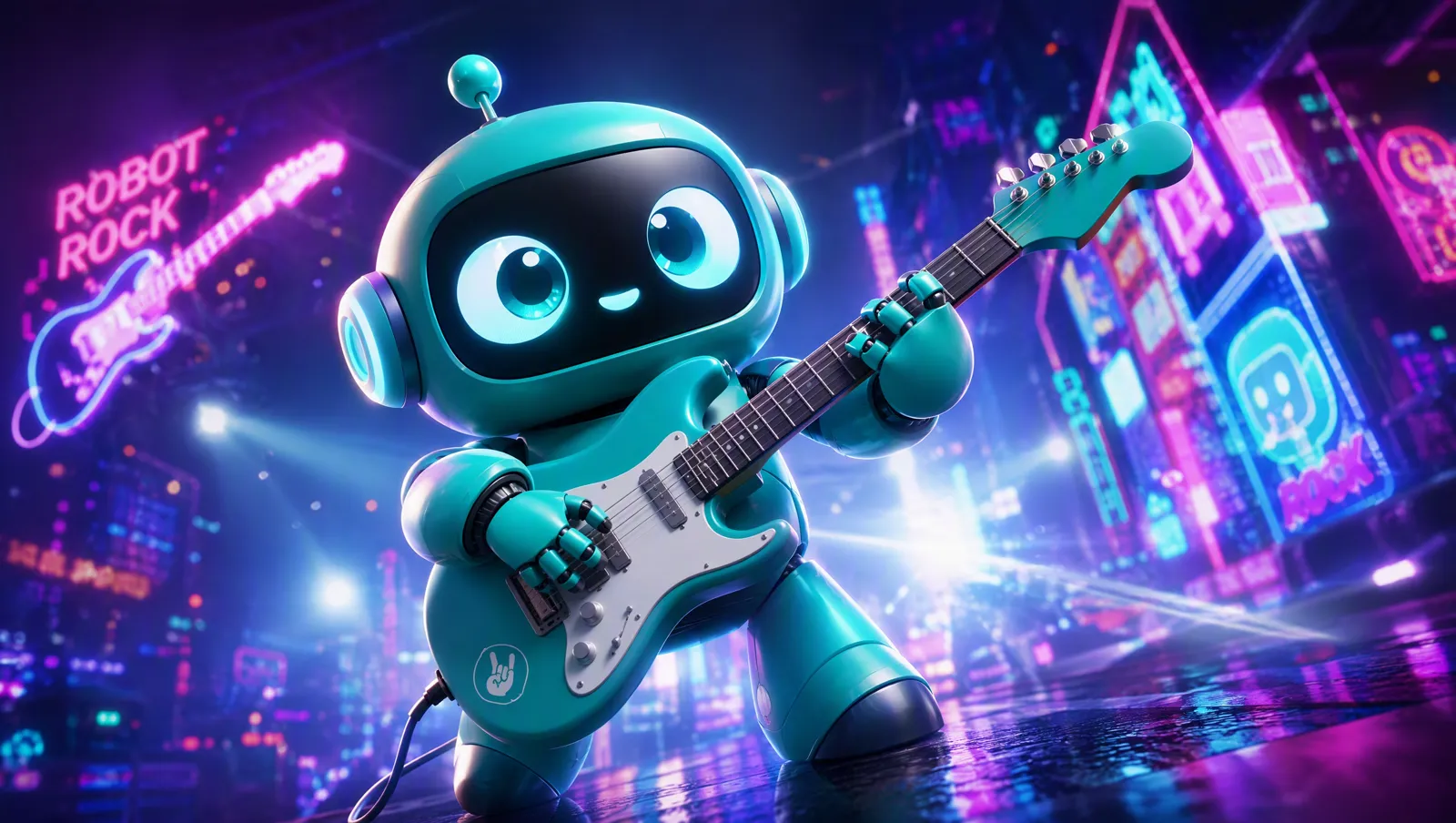
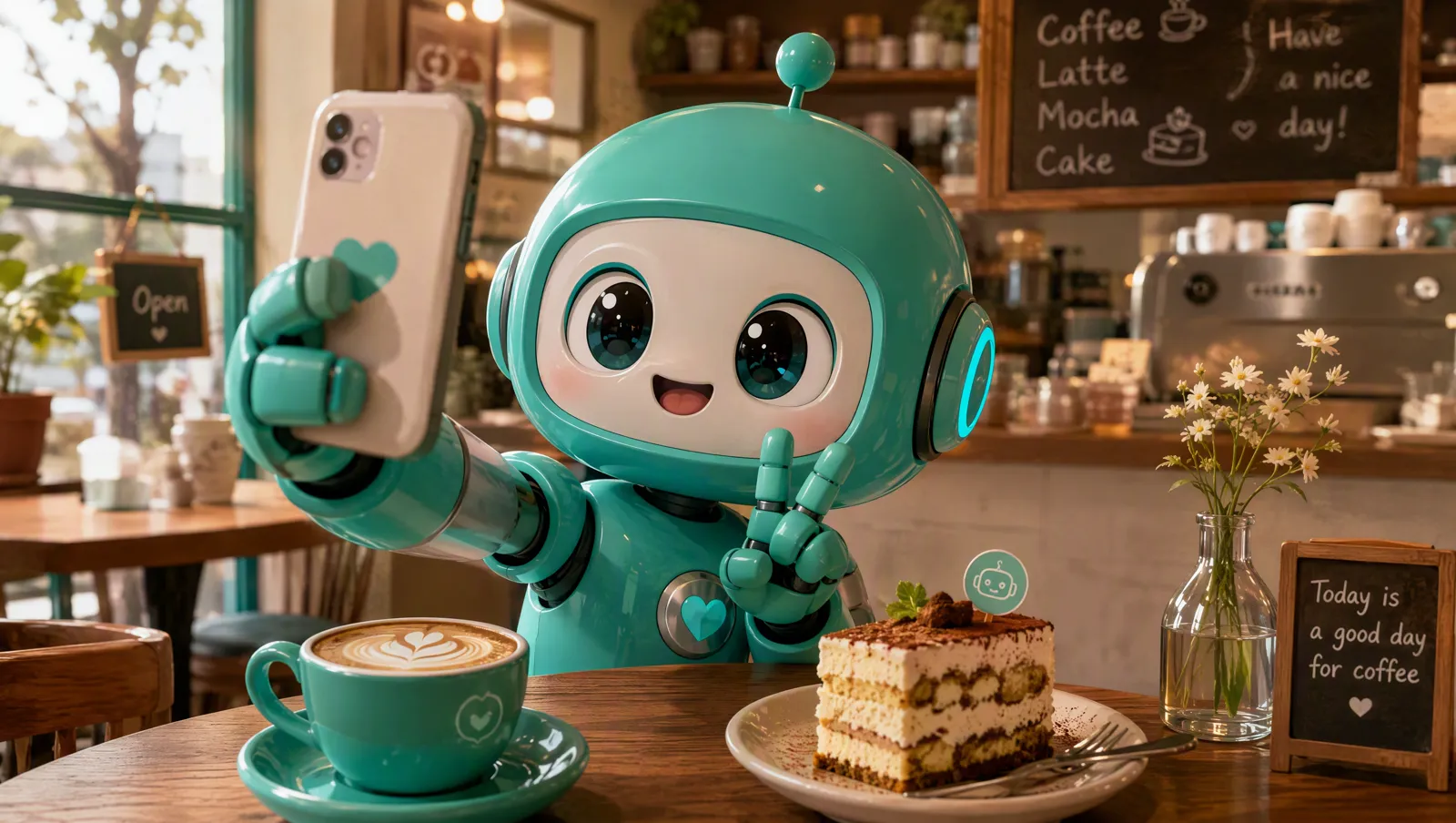
Image generator AI vs. similar tools
| Tool | You give | You get | Best for |
|---|---|---|---|
| Image generator AI (this page) | A prompt, optionally up to 4 reference images; a choice of image models | One image at 1K, 2K or 4K in 1:1, 16:9, 9:16, 4:3 or 3:4 | Anything you can describe, and edits of your own images |
| AI product photography | 1–3 product photos and a scene line | A studio-style ad shot with the product kept as it is | Listings and ads without writing a full prompt |
| Character turnaround sheet | A short description of the character and a style | A 16:9 front, side and back turnaround at 2K | A reusable character you will draw again and again |
| AI outfit changer | Your character, a pose and an outfit | The same character in that outfit and pose | New looks for a character you already have |
| Image to video | One image as the first frame and a motion prompt | A video that starts from that image | Making a finished still move |
Models behind this image generator AI
Create and edit images with GPT Image 2.5 (Flare or Sunburst) or GPT Image 2: text to image, single-image edits or several references blended, at 1K, 2K or 4K.
Try GPT Image 2.6 online: Flare for fast drafts, Sunburst for careful text and detail. Text to image or up to 4 references, at 1K, 2K or 4K.
Generate or edit 1K and 2K images with ByteDance's Seedream 5.0 Pro or Flash, from text or reference images. A fixed price per image.
Image generator AI FAQ
Can I use the images commercially?
The images are yours to use. Make sure any reference you upload is yours to use, and note each upstream model has its own content policy.
Why do two runs differ with the same prompt?
Diffusion sampling is random by nature. To stay consistent, feed the one you liked back in as a reference.
Do failed generations cost credits?
No. If the upstream call or the file transfer fails, the credits are refunded automatically.
Where are my images stored?
Every result is copied into our own storage and your library — not left on a vendor's temporary link, which expires in days.
Is this image generator AI free to try?
Yes. The Free plan includes monthly credits, and each resolution has a fixed price per image that the Generate button shows before you confirm. Failed runs are refunded; plans and credit packs are on the pricing page.
Which image models can I use?
Three families: GPT Image (2.5 Flare, the default, 2.5 Sunburst and 2), Nano Banana (2.1, 2 and Pro) and Seedream 5.0 (Pro and Flash). All of them take text alone, one image to edit, or several references. Compare them on the image models page.
How many reference images can I add?
Up to 4 per run. With one, the model follows its look or edits it; with several, name each image's role in the prompt (character, product, background) so they don't get mixed up.
What resolutions and ratios are available?
1K, 2K and 4K, except Seedream 5.0, which stops at 2K; ratios are 1:1, 16:9, 9:16, 4:3 and 3:4. Each resolution has its own fixed price per image, and 4K costs the most.
Can it put readable text on an image?
Yes, with GPT Image 2.5 Flare: our character reference sheet tool uses it at 4K to draw a title, a short bio and labels on one board. Small text needs 4K to stay legible, and you should check the spelling before you use the image.
How do I keep the same character across images?
Upload the character as a reference every time. A consistent character sheet with three face angles and a full turnaround works better than a single photo, and to change only the clothes, use the AI outfit changer.
Tools to pair with this image generator AI
Consistent Character Sheet Generator →
Build the character once, then use the sheet as a reference here so every new scene shows the same person.
AI Image to Video Generator →
Animate a finished image: it becomes the first frame and you describe only the motion.
Create Video with AI →
Generate a start image and an end image here, then let the video model fill in the movement between them.
AI Product Photography Generator →
Selling something? Upload the product photo and get an ad scene without writing the full prompt.
AI Outfit Changer →
Dress a saved character in a new outfit and pose without describing the clothes in words.
Other creation tools
Wire script, character, shot and voice nodes into one pipeline and generate it clip by clip, with the same character in every clip.