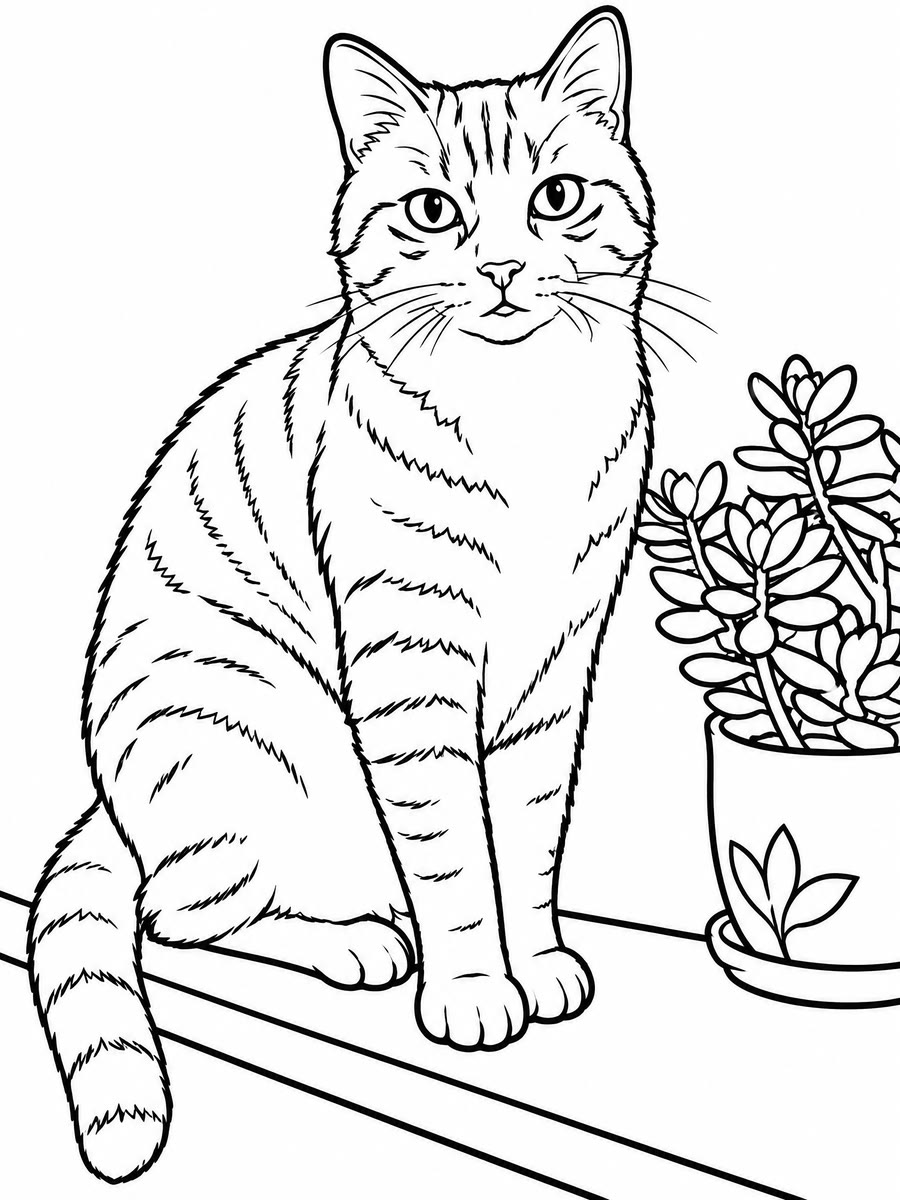
| Crayola custom coloring pageSource | Add your photo to make your own black-and-white coloring page, then edit, print and color it. You can drag the photo to reposition it and zoom in or out, and a slider shows the colorable images to choose from. It advises portrait photos with a simple background and contrast between the subject and the background. The page does not say what it costs or how the page is drawn. | Reposition and zoom controls before you print, and printing in the same flow; blubiu has no crop or zoom step and no print button. | You want the photo redrawn as a page for kids or for adults, with the background kept or removed, at a 2K size we measured and list on this page. |
| Adobe Firefly image to coloring pageSource | Upload a JPEG, PNG or WEBP up to 100 MB and at least 512×512, then describe the outline weight, level of detail and border style in a prompt; a Strength slider sets how closely the outline follows the photo. Firefly pairs its own models with partner models from FLUX, Google, OpenAI and others. Free with an Adobe account, which gets free daily generations; the result is a PNG. | Finer control: line weight, detail and a border described in the prompt, plus a Strength slider. A border is something our pages do not have, and Adobe states its own Firefly models are commercially safe. | You want two fixed choices, Kids or Adults and keep or remove the background, without writing a prompt, with line weights we measured on eight test pages. |
| iColoring AISource | Turns photos into coloring pages with no sign-up and is free to try. Offers Classic, Cartoon and Pencil Sketch styles, free watermark-free downloads in PNG and PDF, and subscription plans for more features. Says uploaded images are regularly deleted and not stored long-term. | No sign-up, and free PNG and PDF downloads; blubiu needs an account and gives an image, not a PDF. | You want an Adults setting with finer lines and a Subject only switch, with a 2K result in your photo's own shape. |
| Colorify AI photo to coloring pagesSource | 5 free conversions a day, with more on credits. Four line styles for kids' books, tracing sheets or artistic pages; 1K, 2K or 4K; PDF or PNG; several images at once on a Plus subscription. Says images are encrypted, deleted shortly after processing and never used for AI training. | Up to 4K, PDF export, several images at once on Plus, and a stated no-training policy; blubiu stops at 2K and takes one photo per generation. | You want to see measured results before you start: this page lists the sizes, line weights and times of eight test pages, including where they went wrong. |
| PortraitArt photo to coloring pageSource | Turns photos into coloring pages, and the site lists 80+ art styles. Images are about 1 megapixel by default, with a 2× upscale to 4 megapixels and a vectorized version. It can email you when a long queue finishes, and you can delete an uploaded photo and everything made from it. | A vectorized version that scales without loss, and 80+ art styles on the same site; blubiu gives a raster image only. | You want about 4.2 megapixels straight away, with no upscale step, and a choice between a Kids page and an Adults page. |

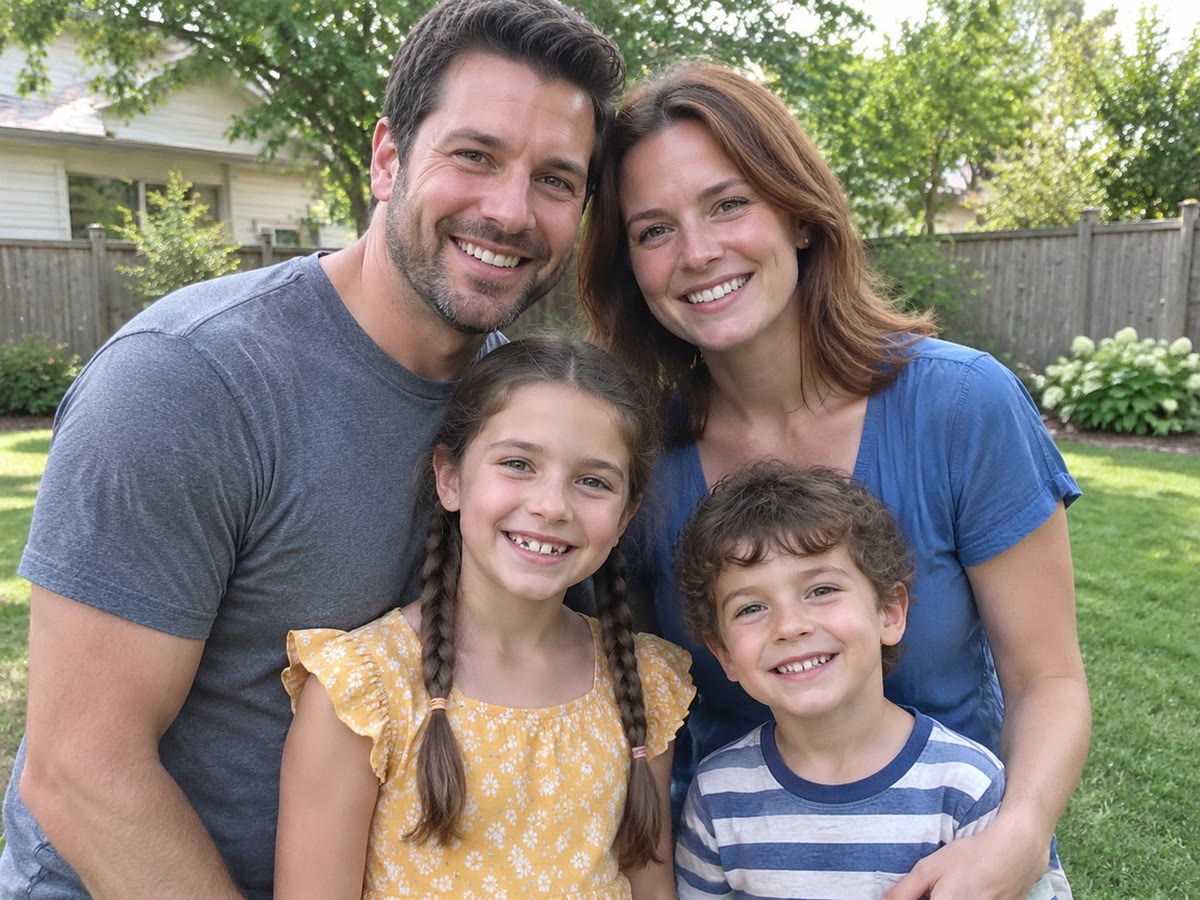
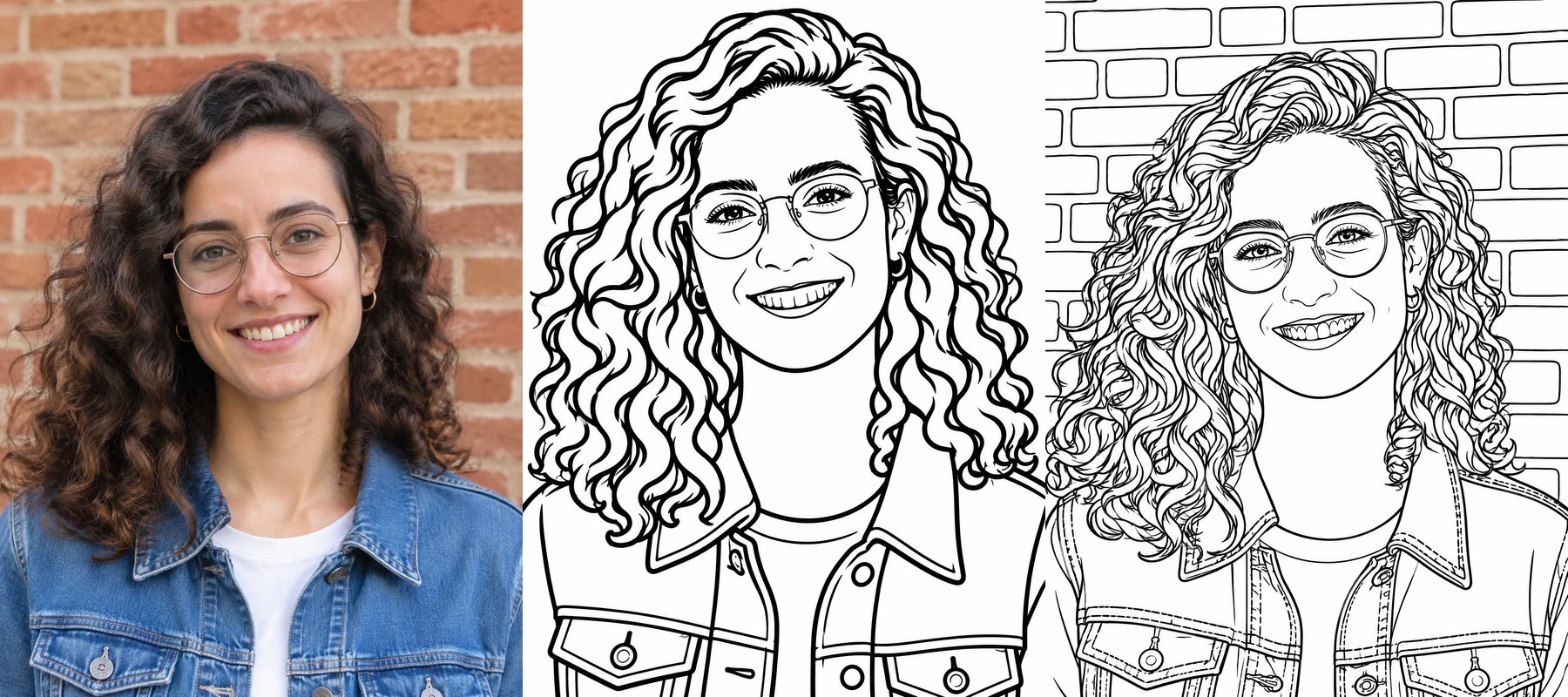
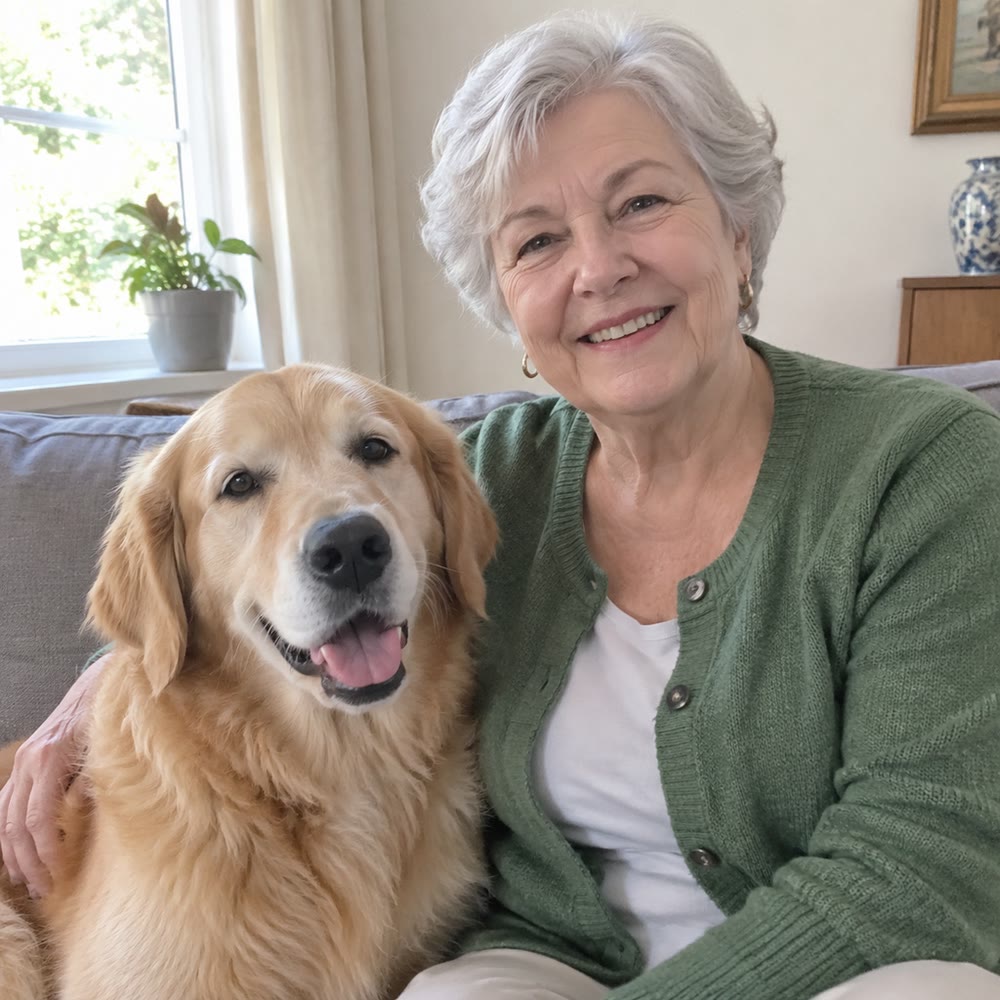
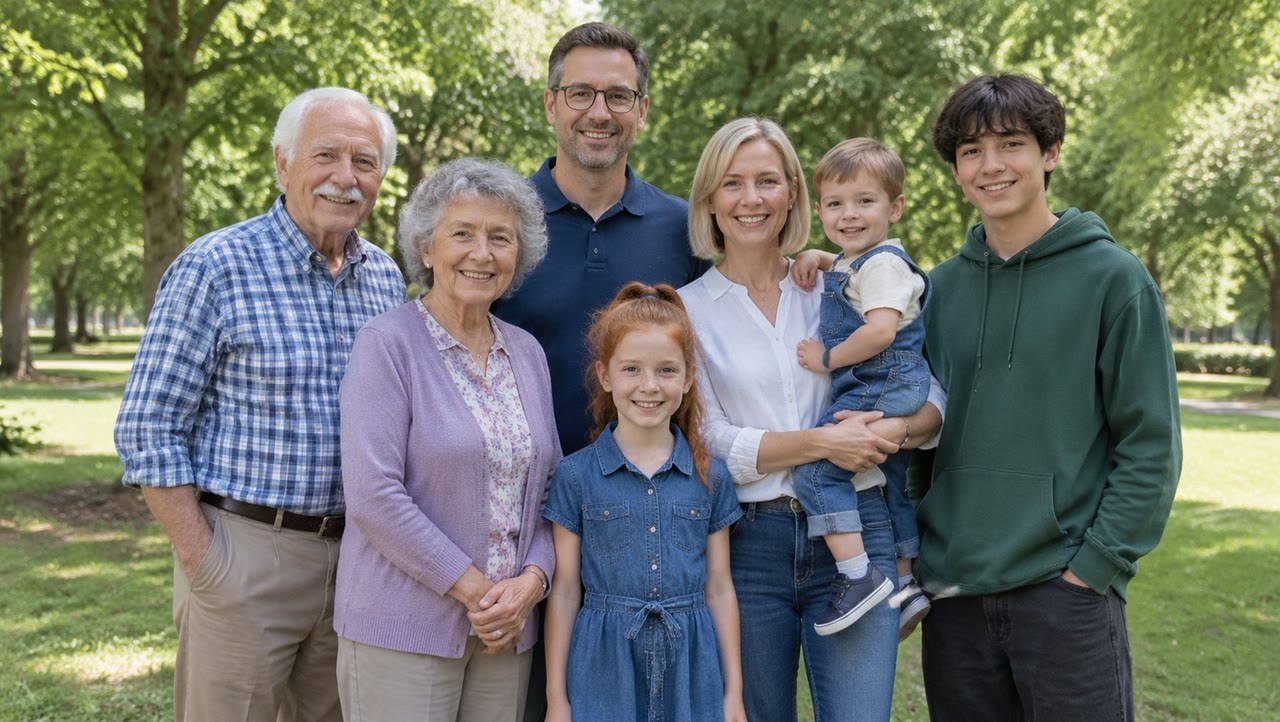 Before
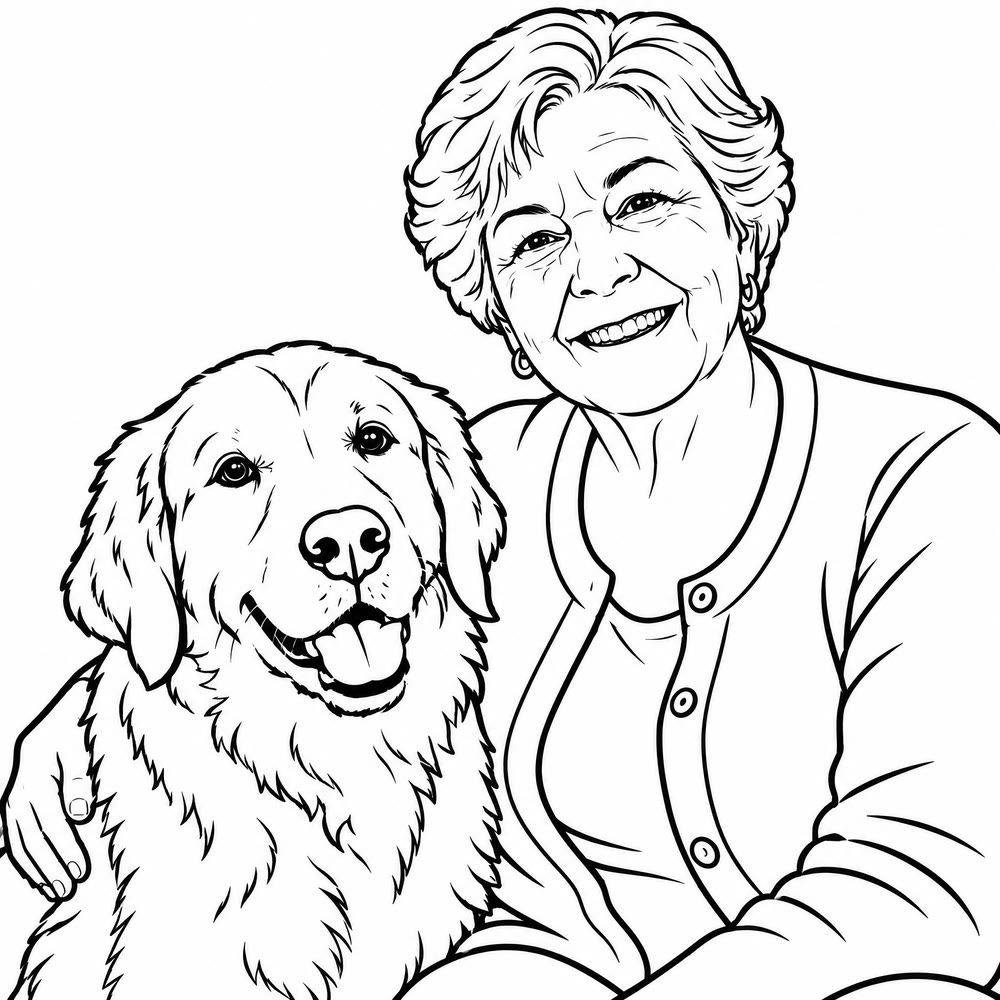
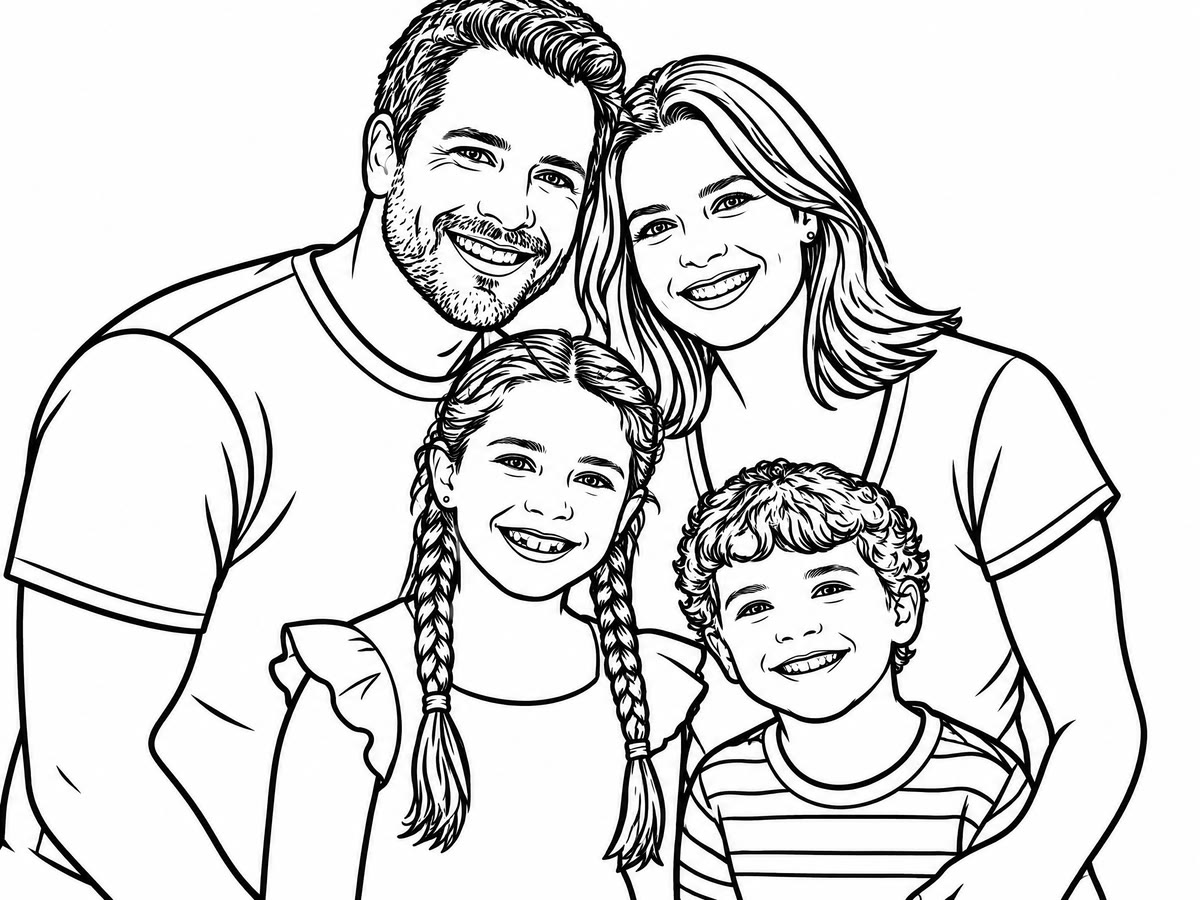
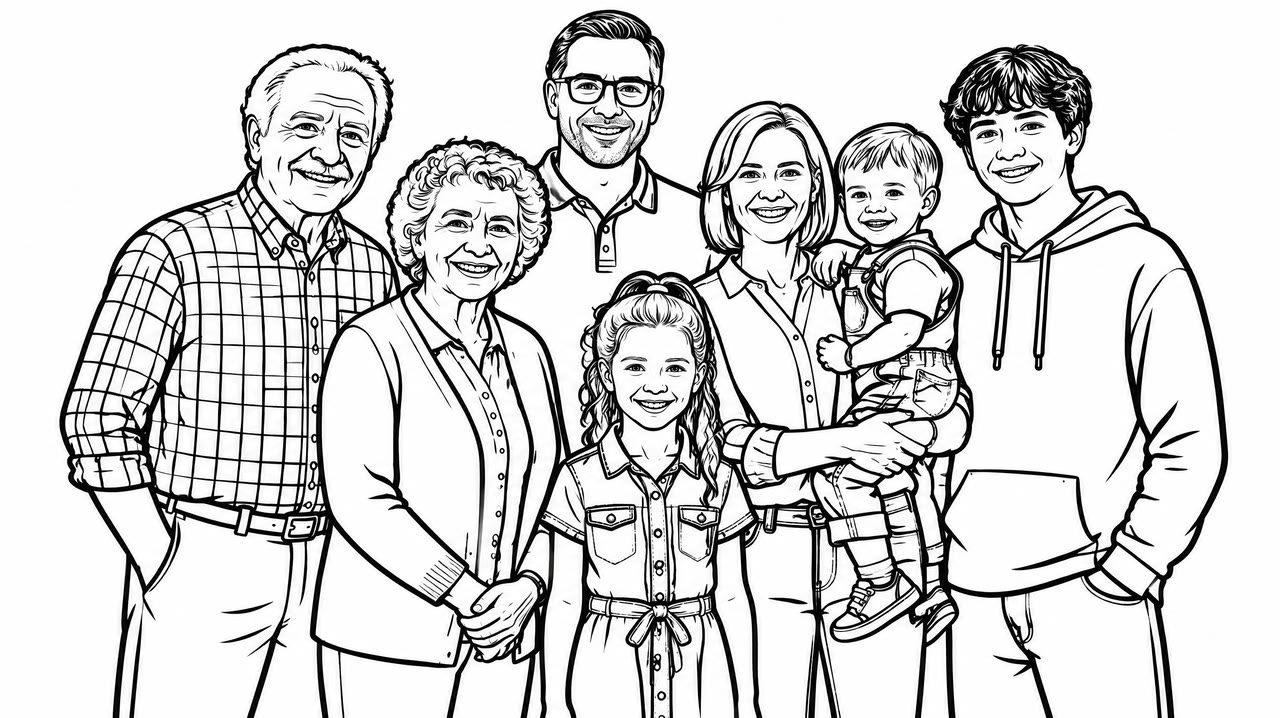 After