
GPT Image 2 & 2.5 Image Generator
GPT Image 2.5, in a Flare and a Sunburst version, and GPT Image 2 are the three GPT Image models on blubiu before 2.6
What is GPT Image?
GPT Image 2.5, in a Flare and a Sunburst version, and GPT Image 2 are the three GPT Image models on blubiu before 2.6: they create a picture from a text prompt, edit an existing image, or blend several reference images into one, at 1K, 2K or 4K. GPT Image 2.5 Flare is blubiu's default image model; the price depends on the version and the resolution. The newer GPT Image 2.6 has its own page.
Checked 2026-11-07
What GPT Image is good at
- +Combining references: put a character, a product and a background in one image by passing several reference images and naming each one's role.
- +Editing from an existing image: change the background, outfit or lighting while keeping the subject.
- +Choosing the shape up front: portrait, square or landscape, at 1K, 2K or 4K.
- +Images with readable text: 2.5 Flare draws titles, short bios and labels; for a whole character reference sheet in one 4K image, blubiu now uses the newer GPT Image 2.6 Sunburst.
- +One character from several angles: version 2 kept six views of the same person, down to a mole on the same side, in our consistent character sheet tests.
When not to use it
- −You need motion. Turn the image into the first frame of a video model instead, in image to video.
- −Packaging small print must match letter for letter. The product is redrawn rather than pasted in, so check fine text on the result or lay the original label back over it.
- −A bikini on a photoreal person. In our AI outfit changer tests, 2.5 Flare refused it, while a one-piece swimsuit, or the same bikini on a 3D character, went through. Refused runs are refunded.
GPT Image versions and specs
| Version | Inputs | Resolution | Price |
|---|---|---|---|
| GPT Image 2.5 Flare | Text, One reference image, Several reference images | 1K / 2K / 4K | 1K 10 · 2K 14 · 4K 27 credits/image |
| GPT Image 2.5 Sunburst | Text, One reference image, Several reference images | 1K / 2K / 4K | 1K 10 · 2K 14 · 4K 53 credits/image |
| GPT Image 2 | Text, One reference image, Several reference images | 1K / 2K / 4K | 1K 9 · 2K 10 · 4K 17 credits/image |
Standard prices, read live from the platform catalog; once signed in, the Generate button shows your account's actual price. Failed generations are refunded.
How to prompt GPT Image
Say what each reference is for
With several references, name their roles in the prompt ("image 1 is the character, image 2 is the product, place the product in her hand"). Unlabelled references get blended unpredictably.
Edit with "keep … change …"
For edits, list what must stay identical and what changes. The model follows explicit keep-lists far better than a description of the new image alone.
Draft at 1K
Composition problems show at 1K. Settle the layout first, then rerun the keeper at 2K or 4K.
Write out every word you want on the image
For a title or labels, put the exact words in the prompt and say where they go. The character reference sheet recipe spells out every line of its sheet this way, and renders at 4K because small text and small panels need it to stay legible.
Give it a sheet, not a single photo, for identity
A single front photo leaves the side and back to guesswork. A consistent character sheet with three face angles and a full turnaround gives the model a matching view for a turned head or a back shot.
Pick the version for the job
Flare for text, edits and fine outfit detail: in our AI outfit changer tests it kept every outfit detail, while version 2 dropped a pair of tights. Version 2 for cross-view consistency at the lowest price of the three. 2.5 Sunburst for a second look at 1K or 2K, where it costs the same as 2.5 Flare. For the newest version and our Flare-versus-Sunburst tests, see GPT Image 2.6.
GPT Image examples
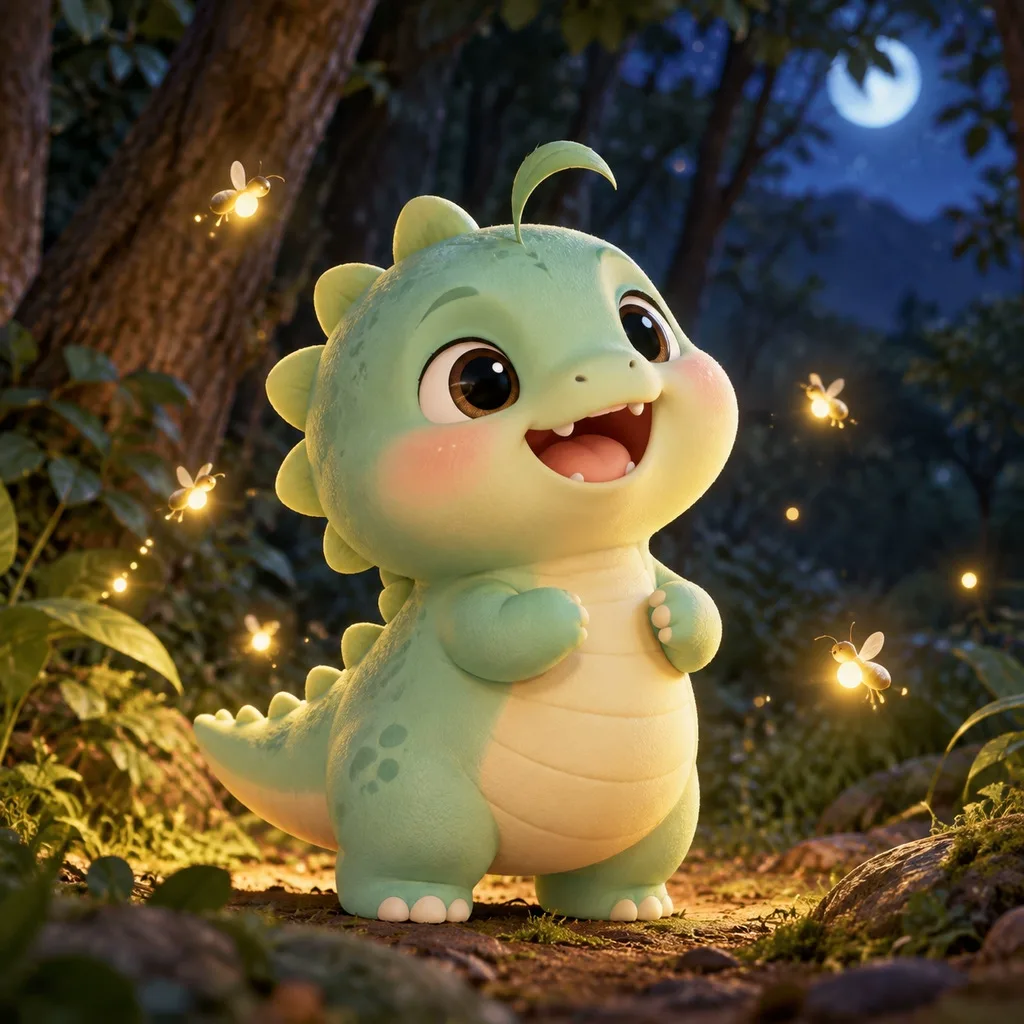
All generated on blubiu, unedited.
GPT Image FAQ
What's the difference between GPT Image 2.5 and 2?
All three take text, one image to edit or several references, at 1K, 2K or 4K. 2.5 Flare is the default. 2.5 Sunburst costs the same as 2.5 Flare at 1K and 2K and more at 4K (see the table above). Version 2 is the oldest and the cheapest. The look differs between versions, so run the same prompt on two of them and keep the one you prefer. The newest version, 2.6, has its own page: GPT Image 2.6.
Can I edit my own photo with it?
Yes. Upload one image as the reference and describe what to keep and what to change, keep-list first: keep her face, hair and jacket; change the background to a night street. Several references can be combined into one picture as well. Only upload photos of yourself or of people who have agreed.
How is it priced?
A fixed number of credits per image for each version and resolution; 4K costs the most. See the table above; the Generate button shows the exact price for what you picked. Failed generations are refunded.
Is it free to try?
Yes. The Free plan includes monthly credits you can spend on any version, and the price of each run is shown before you confirm. Drafting at 1K stretches those credits furthest. Failed or refused runs are refunded automatically; plans and credit packs are on the pricing page.
Which blubiu tools run on it?
Most of them. 2.5 Flare powers the image generator AI by default, the mascot generator, the AI outfit changer, AI product photography and UGC product photos. Version 2 powers the character turnaround and the consistent character sheet, where views must match. The character reference sheet runs on GPT Image 2.6 Sunburst.
Can it render text inside an image?
Yes. 2.5 Flare draws titles, short bios and labels in one image. Our character reference sheets are made in a single 4K image by the newer GPT Image 2.6 Sunburst. Small text needs 4K to stay readable, and you should check the spelling on the result.
How many reference images can I use?
Up to 4 per run in the generator on this page. With more than one, name each image's role in the prompt; for a recurring character, one multi-angle sheet does more than several loose photos.
Does it keep a character's face?
Yes, when the reference shows the face clearly. In our outfit tests every model we tried kept the face, and on character sheets version 2 kept six views of one person consistent. A sheet with several angles holds up better than a single photo when the head turns.
Why was my image refused?
The model has its own content policy and refuses some requests. In our tests it refused a bikini on a photoreal character but accepted a one-piece swimsuit, and accepted the same bikini on a 3D character. A refused run costs nothing; the credits come back automatically.
Can I animate an image I made with it?
Yes. Add it as the first frame in image to video and describe the motion, or make a start and an end image for first and last frame video. Generate the still in the video's aspect ratio, since the clip starts from that exact frame.
Tools that use GPT Image
Image Generator AI →
Image generator AI for text-to-image and image-to-image: GPT Image, Nano Banana, Seedream and more, with a fixed price per image at each resolution.
AI Character Turnaround Sheet Generator →
Generate a character turnaround sheet with front, side and back views in one image from one line, then reuse it to keep the character on-model.
AI Mascot Generator →
Design an original mascot by picking an animal, personality, material and color. Get a front, side and back turnaround sheet you can reuse.
Consistent Character Sheet Generator →
Make a consistent character sheet from one line or a photo: three face angles plus front, side and back full body in one image, ready for new outfits and poses.
Anime to Real Life AI →
Anime to real life AI that keeps your character's face: eye shape, brows, hair and outfit carry over into a real person, on a multi-angle sheet ready for video.
AI Outfit Changer →
Dress the same character in any outfit and pose: pick a character sheet, a pose and an outfit from our libraries or upload your own, and get one image.
Pair GPT Image with
GPT Image 2.6 Online Image Generator →
The newest GPT Image, in a fast Flare and a careful Sunburst version, with our side-by-side tests.
AI Product Photography Generator →
Product ad shots run on 2.5 Flare with a fixed recipe: upload the product, describe the scene, and the label and logo are kept.
AI UGC Product Photo Generator →
The same model, styled as a customer's phone photo for RedNote, TikTok or Instagram, with the product unchanged.
AI Image to Video Generator →
Make the still here, then use it as the first frame and describe only the motion.
Create Video with AI →
Turn what you make here into video: two images as a first and a last frame for a transition, or several stills of one character as references for a brand-new moving shot.
Other image models
Try GPT Image 2.6 online: Flare for fast drafts, Sunburst for careful text and detail. Text to image or up to 4 references, at 1K, 2K or 4K.
Generate or edit 1K and 2K images with ByteDance's Seedream 5.0 Pro or Flash, from text or reference images. A fixed price per image.
See video models →