
AI Product Photography Generator
AI product photography turns a plain product photo into a polished advertising scene without a studio shoot
What is AI product photography?
AI product photography turns a plain product photo into a polished advertising scene without a studio shoot: upload one to three photos of the product, describe the scene or selling point, pick a mood and an aspect ratio, and blubiu keeps the product itself — packaging, logo and colors — as it is.
Checked 2026-11-03
Who it's for
- +Online sellers turning white-background shots into scene photos for listings and product pages.
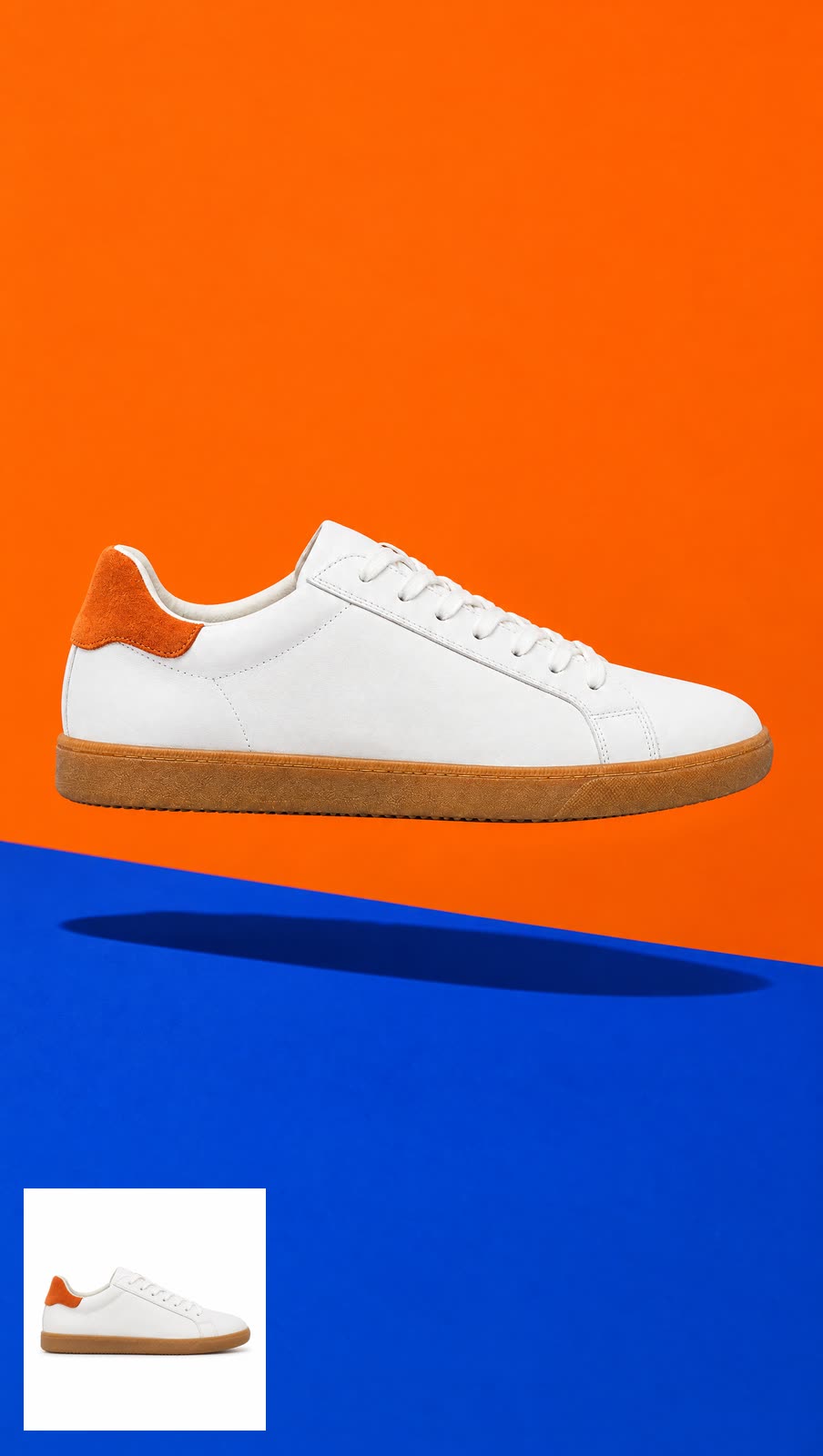
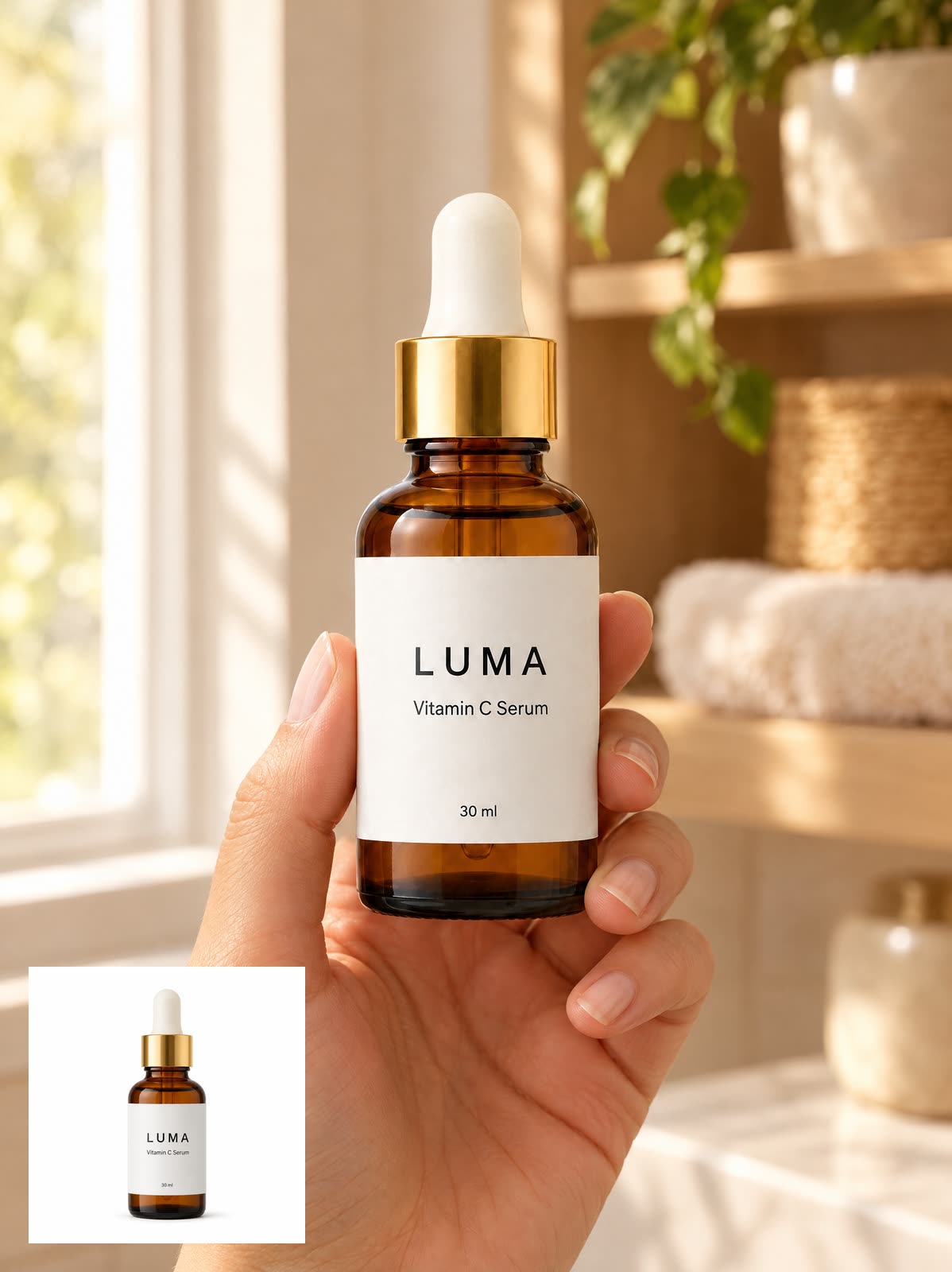
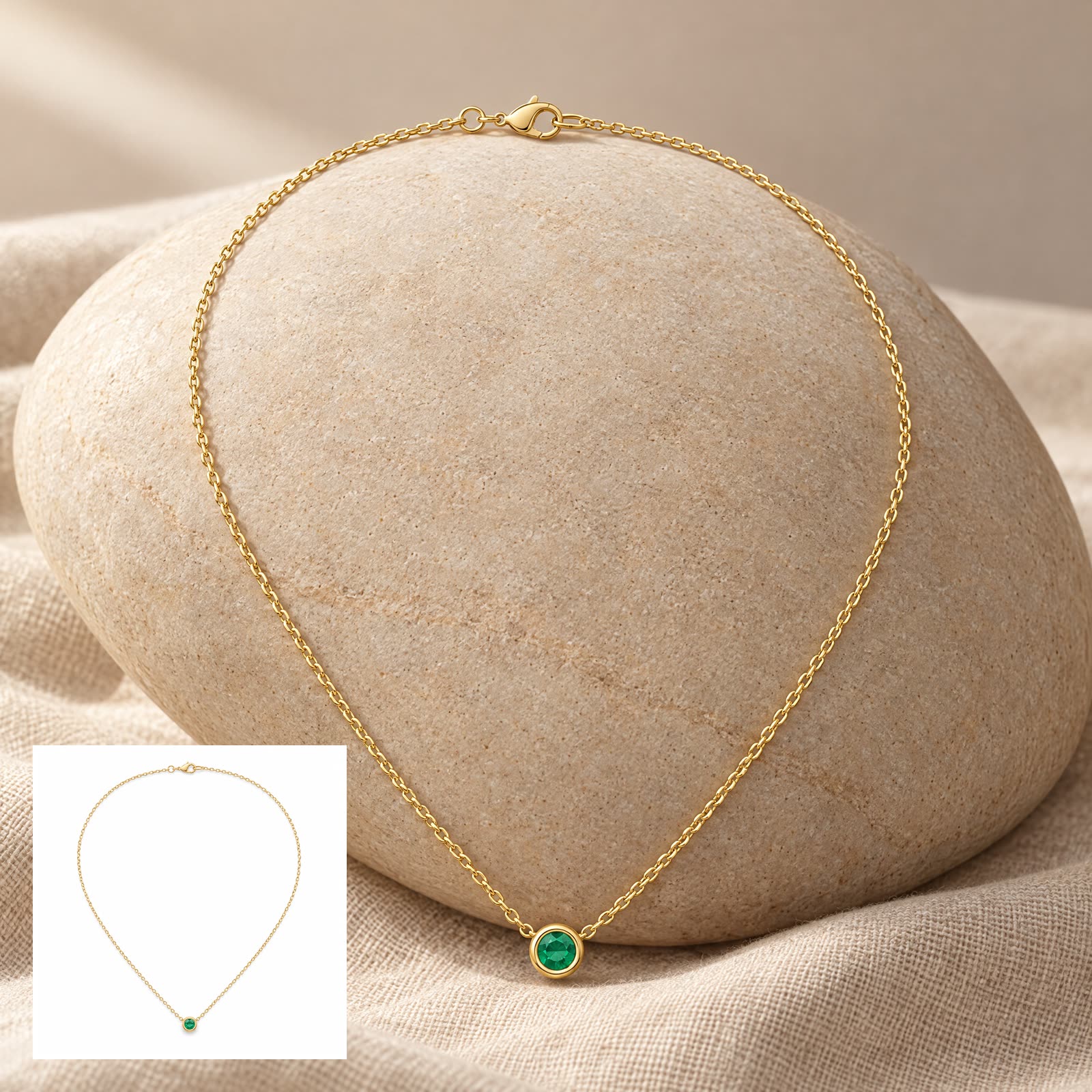
- +Jewelry, beauty and fashion sellers who need styled shots of small, detailed products: a necklace on stone, a serum in hand, a sneaker on a color-block backdrop.
- +Small brands that want a consistent set of ad visuals without a studio shoot.
- +Testing different scenes and moods for one product to find what performs.
- +Marketers who need the same product in square, portrait and landscape crops for feeds, stories and banners.
- +Anyone planning a short product video: make the hero still here, then animate it with image to video.
When not to use it
- −You want a candid, real-person feel for TikTok or RedNote — use UGC Product Photos. AI UGC Product Photo Generator →
- −Small print on the packaging must be exact — always check the result, and lay out the original text yourself if needed.
- −Several different products in one bundle shot: the photo slots are meant for angles of one product and the recipe adds no extra products. Write your own prompt in the AI image generator and say which reference is which product. Image Generator AI →
How to make AI product photography
- 01
Upload a clean product shot
Upload one to three photos of the same product: front-on, evenly lit, plain background. Extra angles show the model the shape of a bottle, bag or box. A blurry original stays blurry in a new scene.
- 02
Describe the scene and pick a mood
Say where it sits, what light, and what is beside it, then choose Clean premium, Warm lifestyle, Bold trendy or Cool tech. Concrete staging beats mood words.
- 03
Pick a ratio, generate and check
1:1 for listings, 9:16 for stories, 16:9 for banners; every result is 2K. Label, logo and colors must match your original. The tool enforces this, but always eyeball the result before you publish.
Tips for better AI product photography results
Pick the mood for where the image will run
Each mood adds a fixed look. Clean premium gives a soft gradient backdrop and crisp shadows, for listings and catalogs. Warm lifestyle adds window light and cozy props, for home, food and beauty. Bold trendy uses saturated color blocks and hard light, for launches. Cool tech is a dark backdrop with rim light and reflections, for gadgets.
Use the three photo slots for one product
The slots are for angles of the same product: front, side, back or top. Bottles, bags and boxes keep their shape more reliably when the model can see more than the front. For several different products in one frame, use the image generator AI and say which reference is which.
Leave the words for later
The recipe asks for no text and no watermark, so headlines, prices and badges are never painted in. That keeps the image clean for listings; add the copy in your design tool, where the type stays sharp and editable. The logo printed on the product itself stays.
Check small print at full size
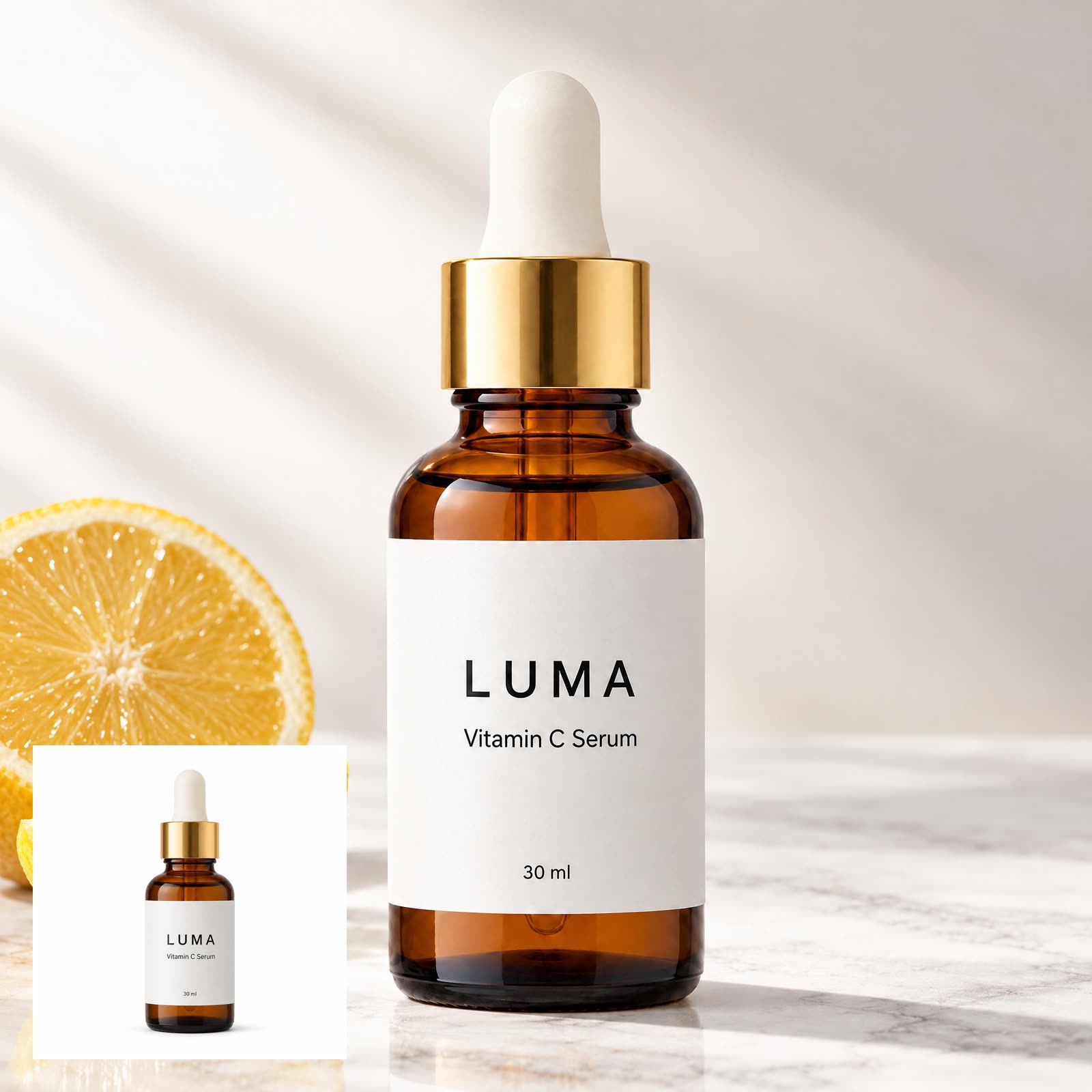
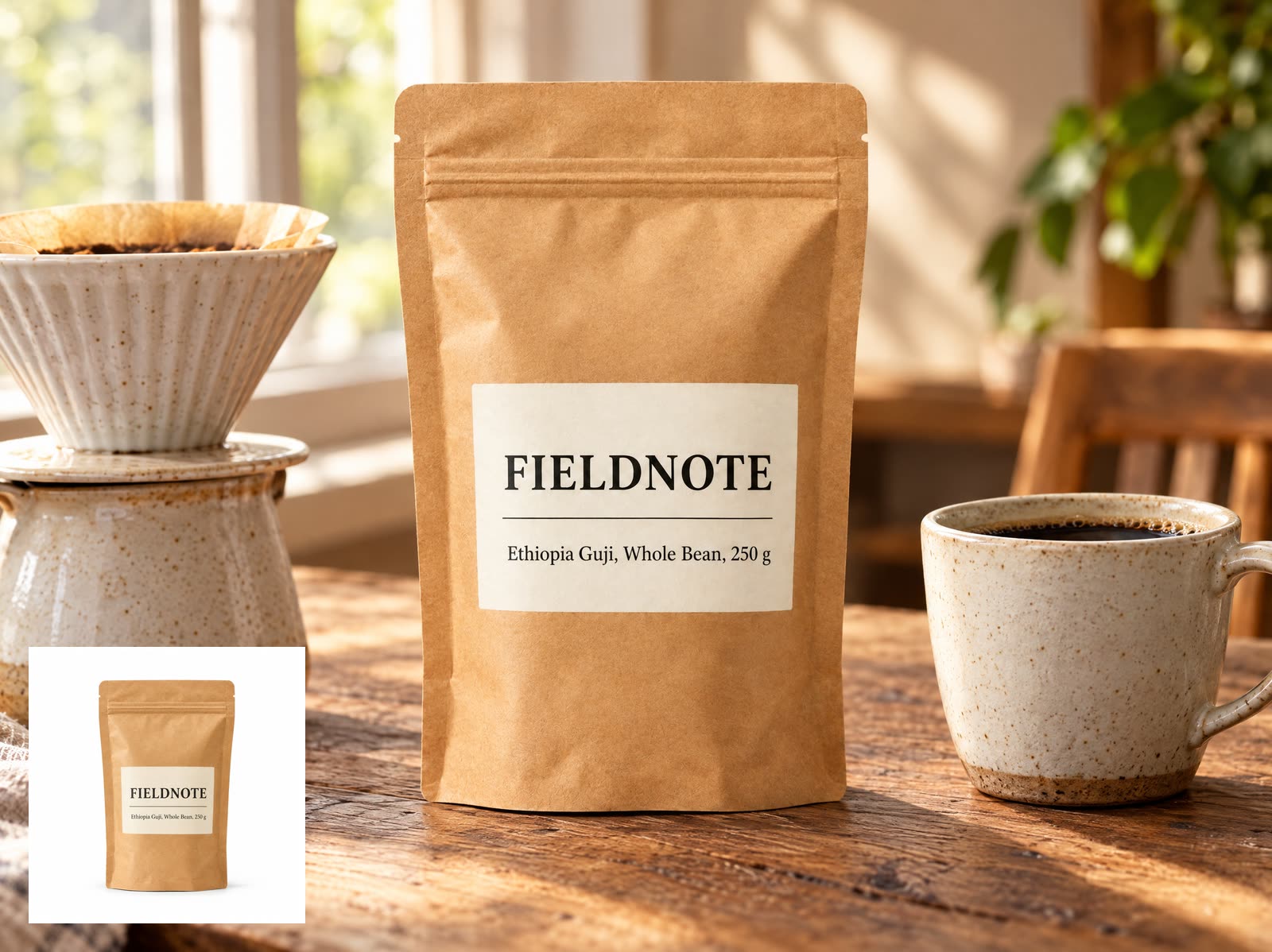
The product is redrawn from your photos, not pasted in as a cutout. In the seven examples on this page, short label lines such as LUMA, Vitamin C Serum, 30 ml and Ethiopia Guji, Whole Bean, 250 g came back letter for letter, but ingredient lists, tiny legal text and barcodes were not part of the test and can drift. Zoom to 100% before publishing; when the fine print matters, place the original packshot or label over it.
Describe a surface, a light and one or two props
Specific staging repeats well: marble counter, morning side light, two lemon slices. Words like premium or luxury add little, because the mood already sets the overall look. Too many props compete with the product, and the recipe keeps sharp focus on the product itself.
Generate each ratio, don't crop
Rerun the same scene and mood at 9:16 and 16:9 rather than cropping the square: cropping cuts the edges of the composition. A shot you plan to animate should already be in the video's ratio, because image to video starts from that exact frame.
AI product photography examples and prompts
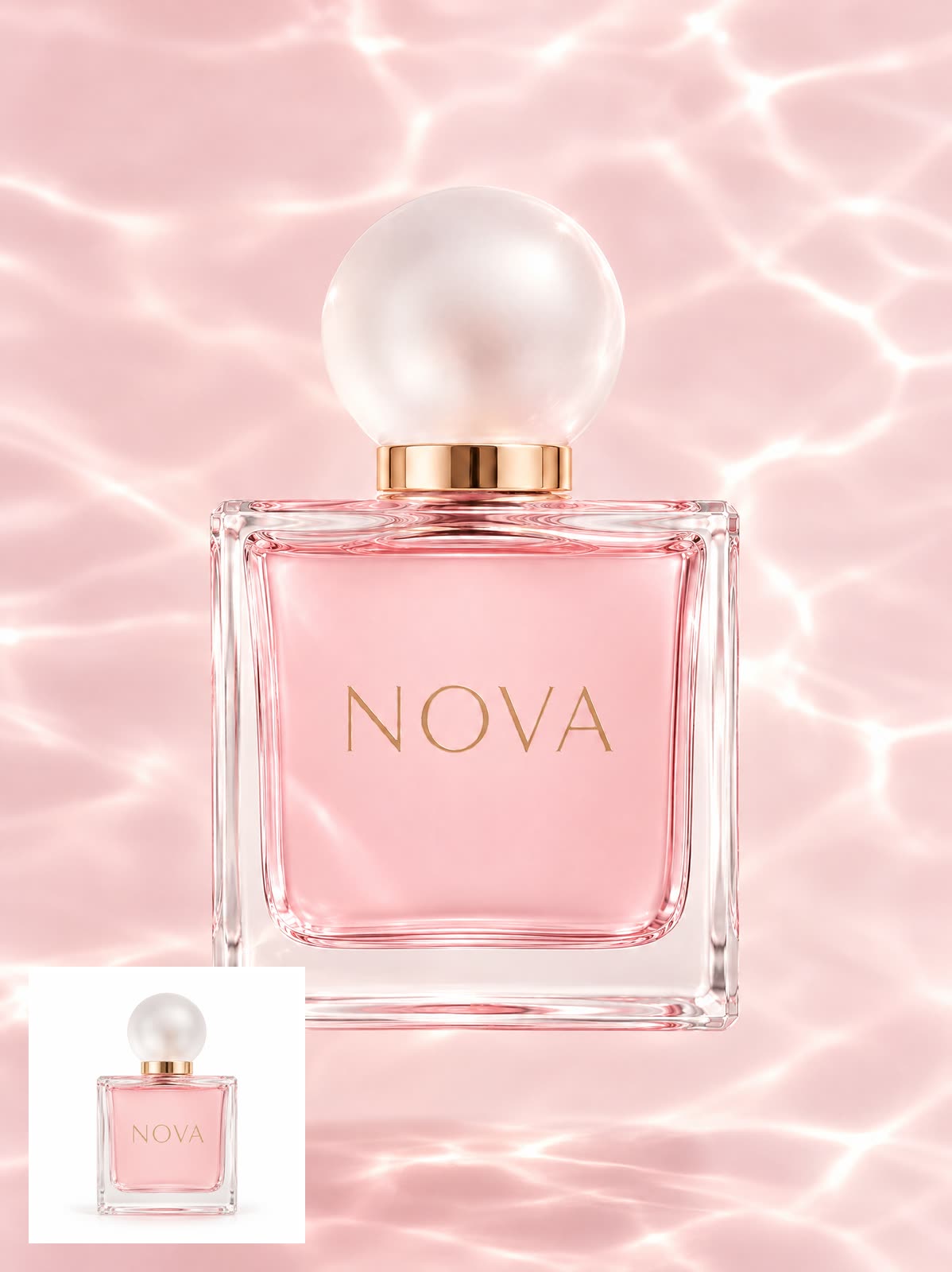
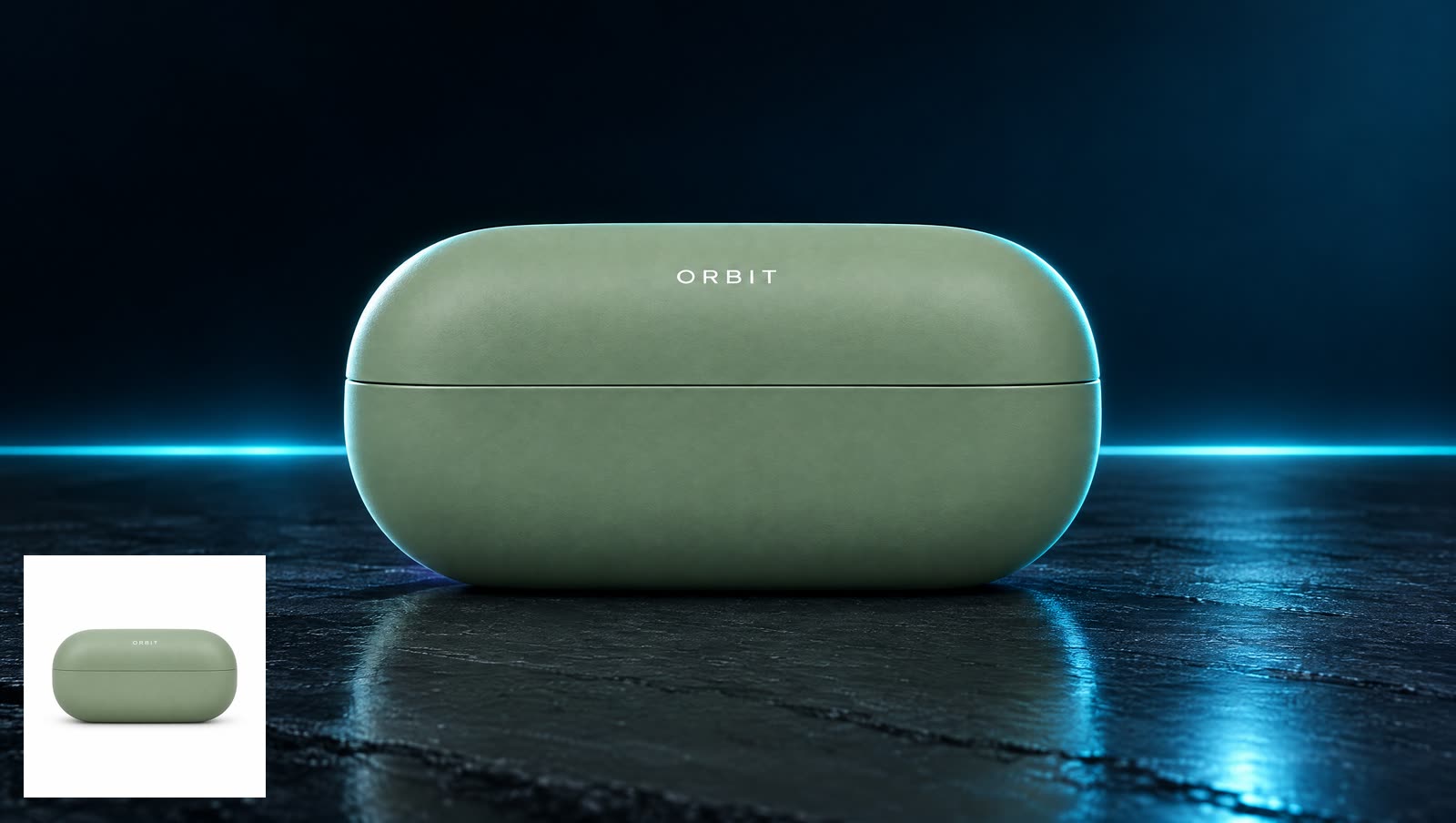
All of these were generated on blubiu.
AI product photography vs. similar tools
| Tool | You give | You get | Best for |
|---|---|---|---|
| AI product photography (this page) | 1–3 photos of one product, a scene line, a mood and a ratio | A 2K studio-style ad shot with the product unchanged and no text | Listings, product pages, catalogs and paid ads |
| UGC product photos | The same product photos, a scene or audience and a platform style | A 2K phone-shot lifestyle photo in RedNote, TikTok or Instagram style | Social posts that should look like a customer took them |
| AI image generator | Your own prompt and up to 4 reference images, any image model | Any image you can describe, at 1K, 2K or 4K | Bundles, posters with several products, or full control over the prompt |
| Image to video | One finished image as the first frame and a motion prompt | A short clip that starts from your product shot | Turning the ad shot into a product video |
AI product photography FAQ
Will my product be altered?
It shouldn't be: the prompt hard-requires the product to stay identical, and only the environment, lighting and composition may change. Image models are not perfectly reliable, so check the label text on the result.
How many product photos can I upload?
Up to 3, all of the same product. More angles help the model understand the shape; one clear front photo is enough to start.
How is this different from the UGC product photo tool?
This one produces clean studio-style ad shots. UGC product photos deliberately look like a real person's phone photo, with natural imperfections and no studio backdrop.
Are there AI product photography prompts I can copy?
Yes. The seven templates on this page are scene prompts with the mood and ratio already set, and each example above was made from its template. Click Use this template, upload your own product photo and generate; edit the scene line to fit your product. A good scene prompt names one surface, one light and one or two props.
Can I try AI product photography for free?
Yes. Every account gets a monthly allowance of free credits on the Free plan, and the Generate button shows the exact cost before you confirm. Failed or refused generations are refunded automatically; paid plans and credit packs are on the pricing page.
Which AI model does it use?
GPT Image 2.5 Flare, blubiu's default image model. There is no model picker because the scene, mood and product rules are a fixed recipe. To try another model with your own prompt, use the image generator AI; the GPT Image page explains the model.
What size is the result?
One 2K image per run, square (1:1) by default; 16:9, 9:16, 3:4 and 4:3 are also available. Every result appears on your Creations page automatically.
How long does one product shot take?
About one to two minutes per 2K image in our test runs for the examples on this page. You can leave the page while it runs; the result is saved to your Creations page either way.
Can it add my price, a headline or a logo?
No. The recipe asks for no text and no watermark, so the image comes back clean; add copy and badges afterwards in your design tool. The logo already printed on the product stays, because the product is kept as it is.
Can I make AI product photography with a model?
Yes, describe the hand or person in the scene line; the recipe still keeps the focus on the product. The In hand, with a model template above is one example: a woman's hand holding the serum, with the label unchanged. For a candid shot of someone using it, UGC product photos fit better. If a run with a person is refused by the model's content policy, the credits are refunded.
Can I turn the product shot into a video?
Yes. Use it as the first frame in image to video and describe the motion, such as a slow push-in; or make an opening and a closing shot and use first and last frame video for the movement between them.
Can I use the images in ads and on my store?
Yes, the images you generate are yours to use. Make sure you have the rights to the product photos you upload, and check the label on the result before it goes into a paid ad.
Tools to pair with AI product photography
AI UGC Product Photo Generator →
Need the same product in a candid, phone-shot style for social posts? Upload the same photos there and pick RedNote, TikTok or Instagram.
AI Image to Video Generator →
Animate the ad shot: use it as the first frame and describe a slow push-in or the product turning on its stand.
Create Video with AI →
Make two shots, such as the closed box and the open one, and generate the movement between them.
GPT Image 2 & 2.5 Image Generator →
This tool runs on GPT Image 2.5 Flare at 2K; the model page covers its versions, strengths and prompt tips.
Image Generator AI →
Write the whole prompt yourself for bundles, posters or several products in one frame, with up to 4 reference images.
Other creation tools
Wire script, character, shot and voice nodes into one pipeline and generate it clip by clip, with the same character in every clip.