
AI Character Turnaround Sheet Generator
A character turnaround sheet is one image showing a character from several angles, and blubiu's generator makes one from a single line.
What is a character turnaround sheet?
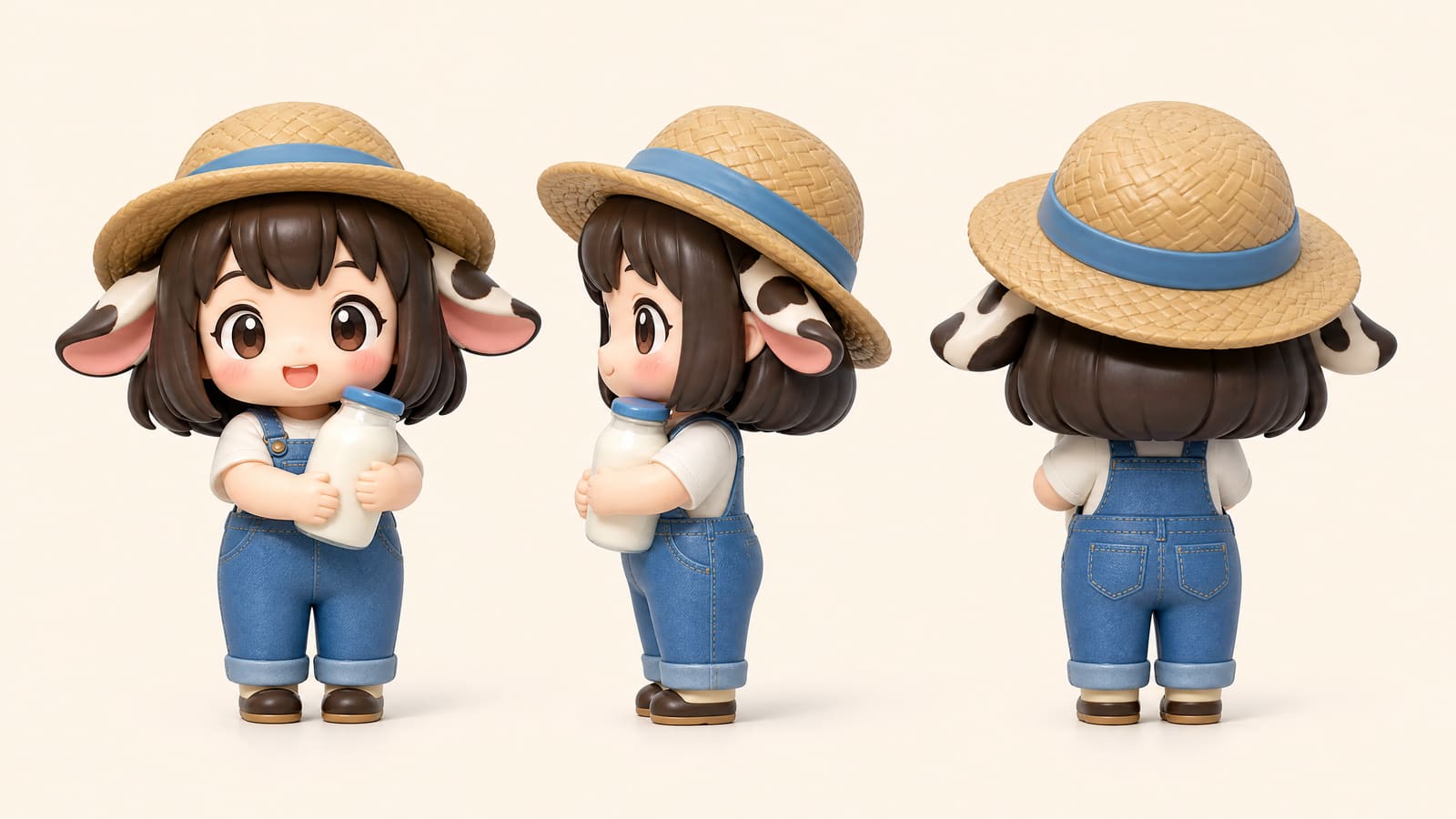
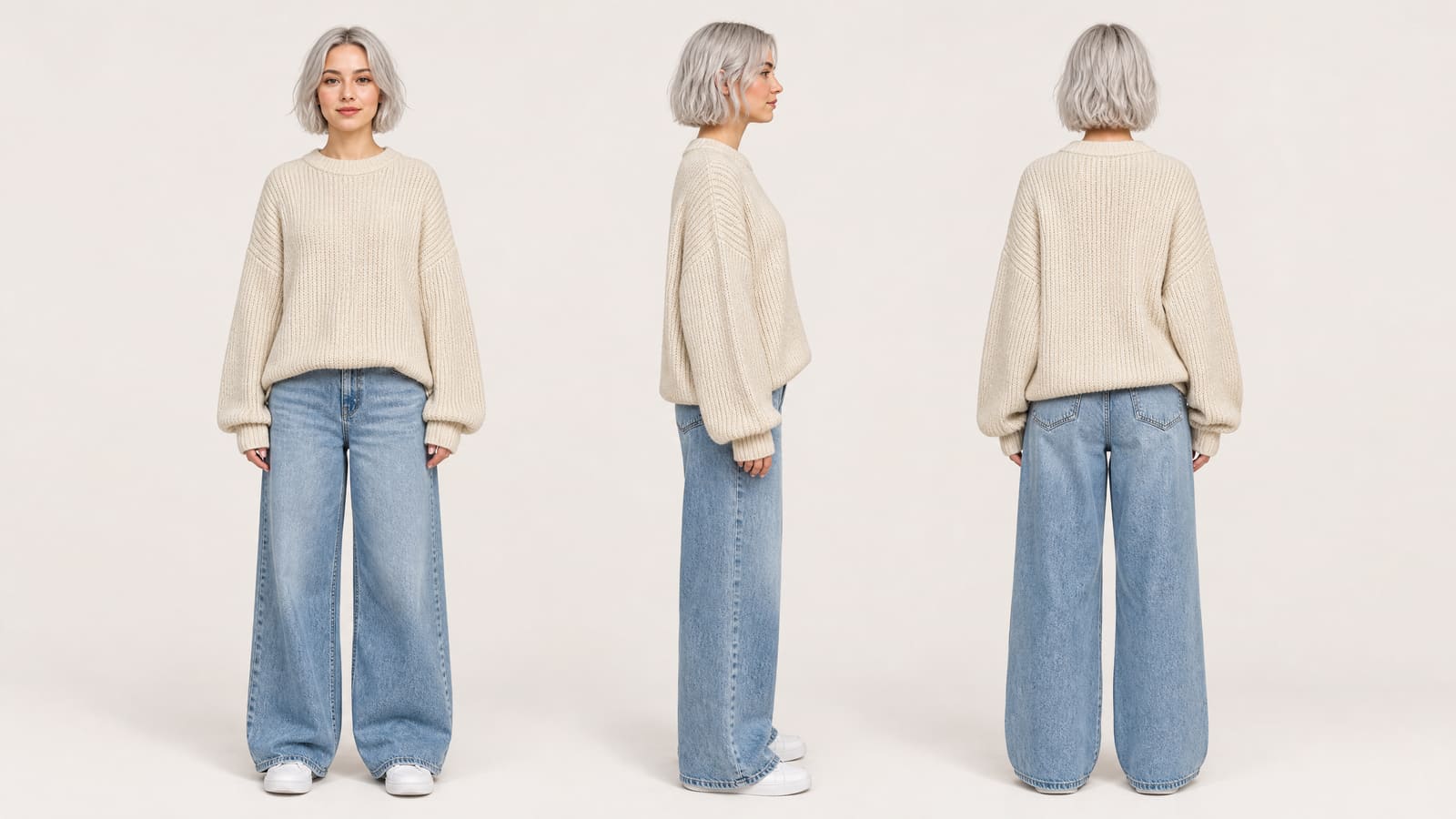
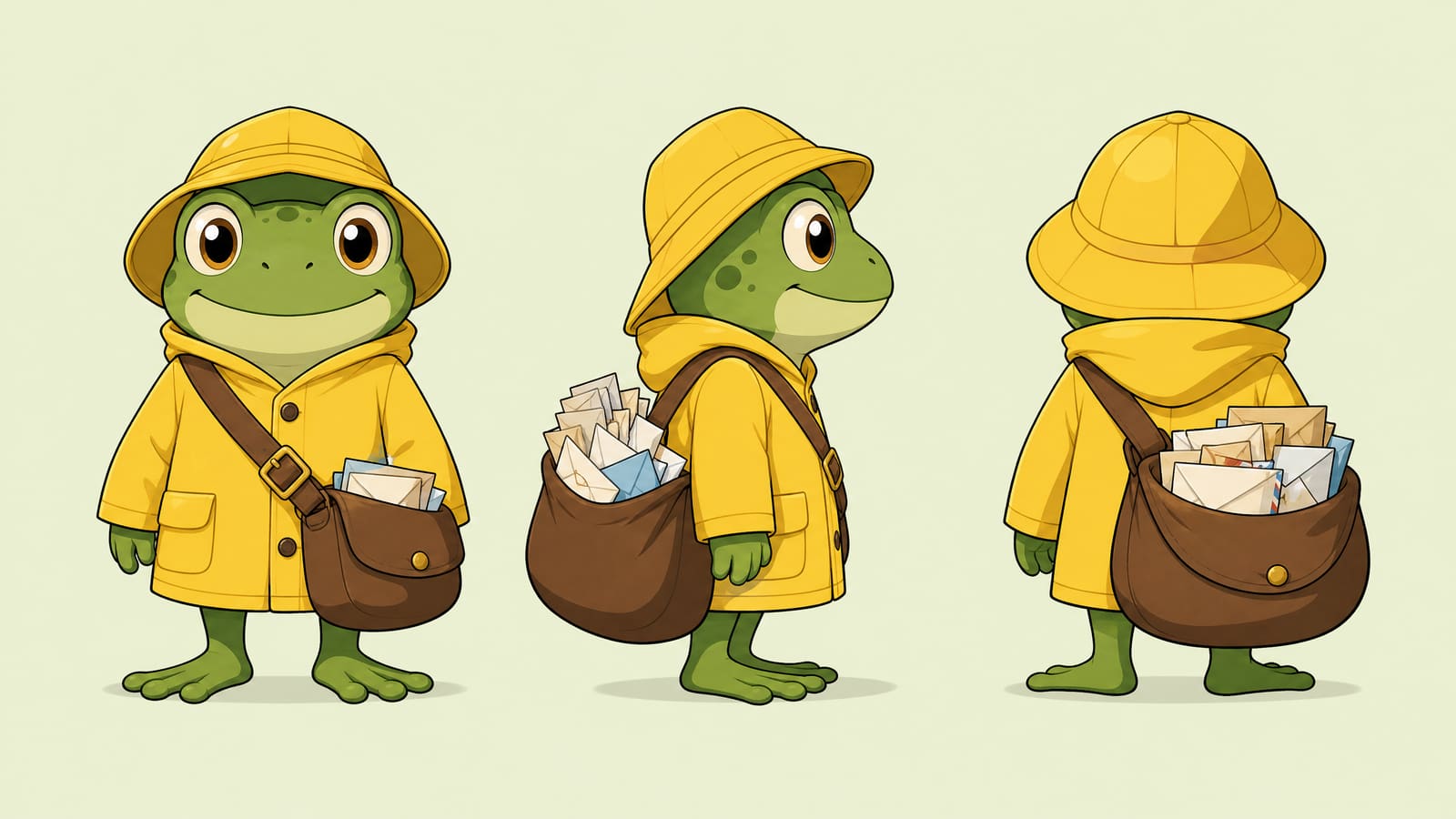
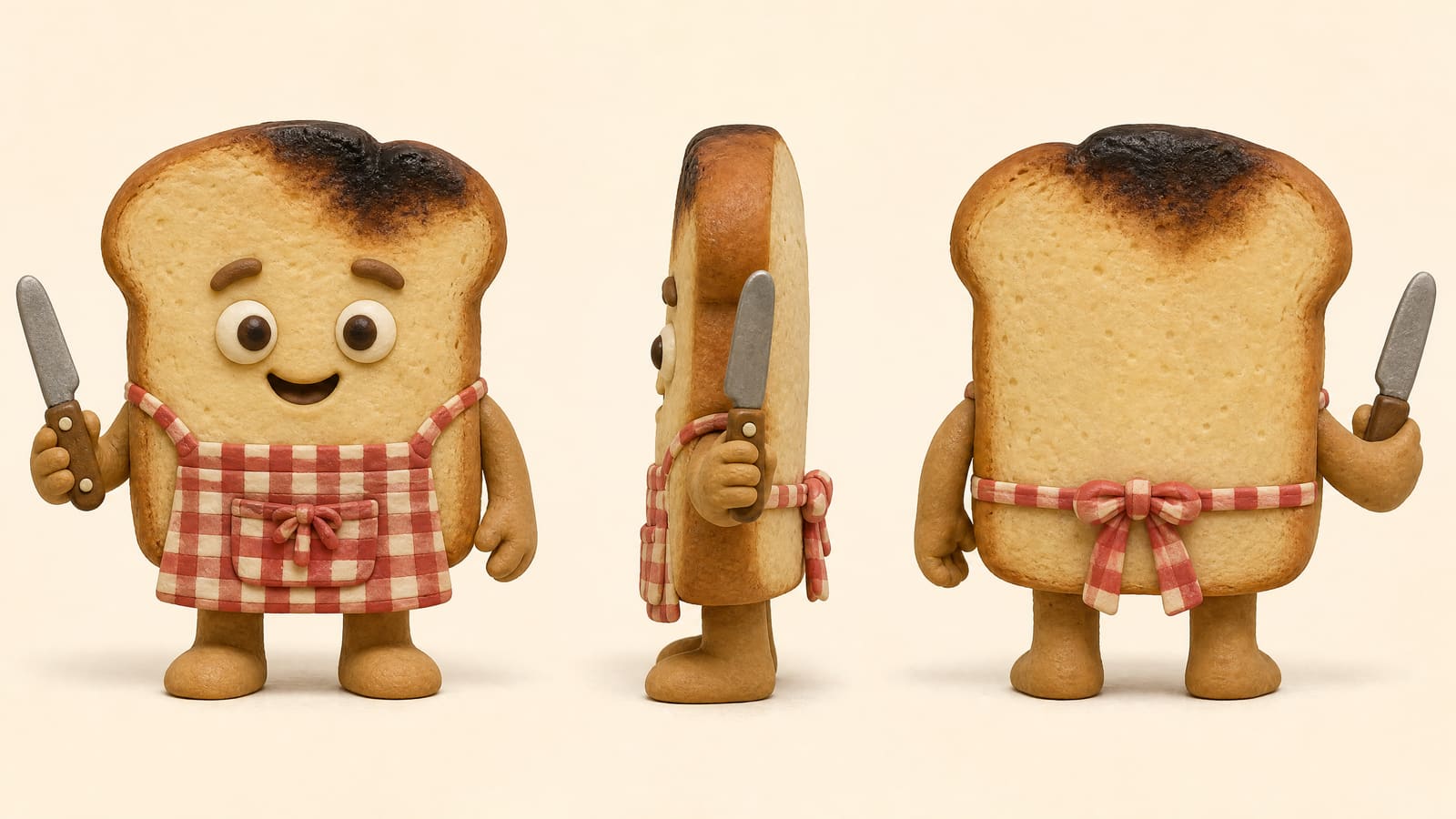
A character turnaround sheet is a single image that shows one character from several angles, and blubiu's generator makes one from a one-line description: front, side and back views side by side in one 16:9 image, in any of 37 styles from 3D feature film and classic 2D animation to clay, pixel art and natural photo, with optional picks for body build, overall shape, eyes, ears and mouth. Use the sheet as a reference for later images and videos so the character stays on-model.
Checked 2026-11-03
Who it's for
- +You are designing a new IP character or mascot and want to pin down its look first.
- +You want the character fixed from every angle before making scenes or videos.
- +You have a sketch or photo and want a clean model sheet from it.
- +You are briefing an animator, a 3D modeler or a toy maker, and they need the side and back, not only the front.
- +You plan a series of AI clips with the same character and need one image to attach as the reference every time, for example in reference to video.
When not to use it
- −You only need one finished illustration or scene — use the image generator. Image Generator AI →
- −You want a mascot and would rather pick options (animal, personality, material) than write a description — use the Mascot Generator. AI Mascot Generator →
- −You want three distinct design directions from an audience brief, then expression and pose sheets — hand it to the Agent. Go →
- −You want a showcase board with turnaround, expressions, details and palette on one image — make a reference sheet. AI Character Reference Sheet Maker →
How to make a character turnaround sheet
- 01
Describe who they are
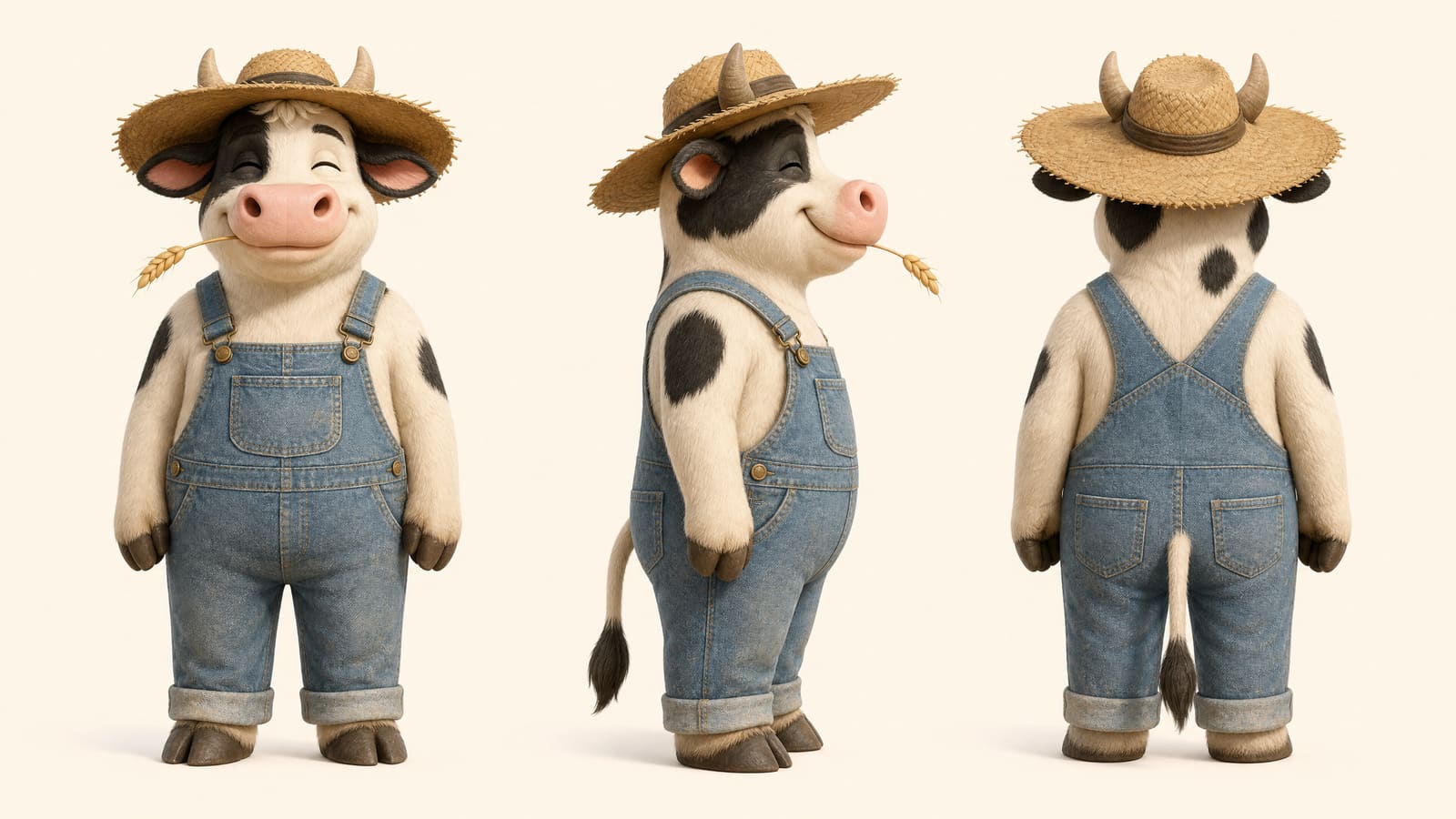
The subject plus its two or three main features is enough: a cow in a sun hat and overalls. One concrete feature beats three adjectives.
- 02
Pick the style and details
Open Design details and pick from the library: all 37 styles on one screen (photo, illustration, animated film, stylized and toy finish), plus body build, overall shape, eyes, ears and mouth, each shown as a thumbnail. Anything you leave open is up to the model.
- 03
Use the sheet as your anchor
You get front, side and back views on a light background that matches the character's main color. Click Save as character to keep it, then attach it as a reference in the image generator AI or in reference to video, and the character stays on-model.
Tips for better character turnaround sheet results
Say what the character is before what it wears
Name the species or object first, then the costume. In testing, "cow farmer" was drawn as a human who keeps cows; "an upright anthropomorphic cow dressed as a farmer" gave the intended character. After that, one concrete feature such as a straw hat or a burnt patch on a slice of toast does more than three adjectives.
Give it one feature that changes the outline
An oversized mane sticking out in every direction, a crown slipping over one ear or a mailbag bigger than the body reads from the front, side and back alike. Stock extras such as blush, a pale belly patch, dot eyes or polka dots make characters look alike. If your line names no standout feature, the generator adds a signature detail of its own, so name it yourself when you care which one.
Write proportions as numbers, not "cute"
Words like cute or chibi pull the model toward a stock look. The big-head figure style is written as proportions instead (the head about 45% of the total height, short rounded limbs), and in our shape tests, body shapes written with ratios were followed every time. Do the same in your line: "legs about a fifth of its height" says more than "short legs".
Pick the style for where the character will live
3D animation or 3D feature film suits a character headed for animated shorts; plush, flocked, vinyl, clay and big-head figure suit toys and merch; flat illustration and classic 2D animation suit stickers and 2D work. Photoreal works too, but for a real-looking person you will dress and reuse, a consistent character sheet adds the three face close-ups this turnaround does not have.
Plan for video: a clear head, body and limbs
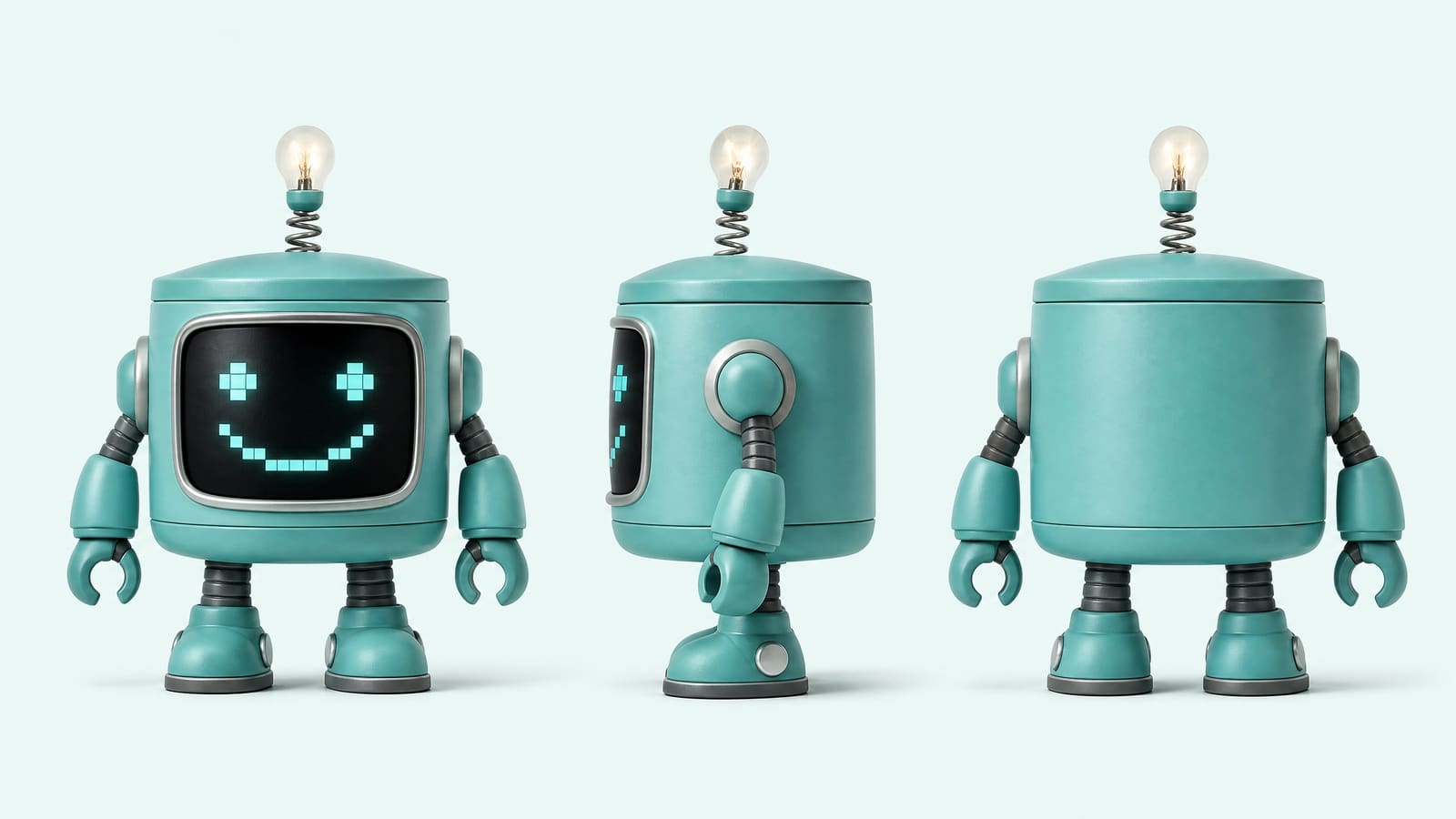
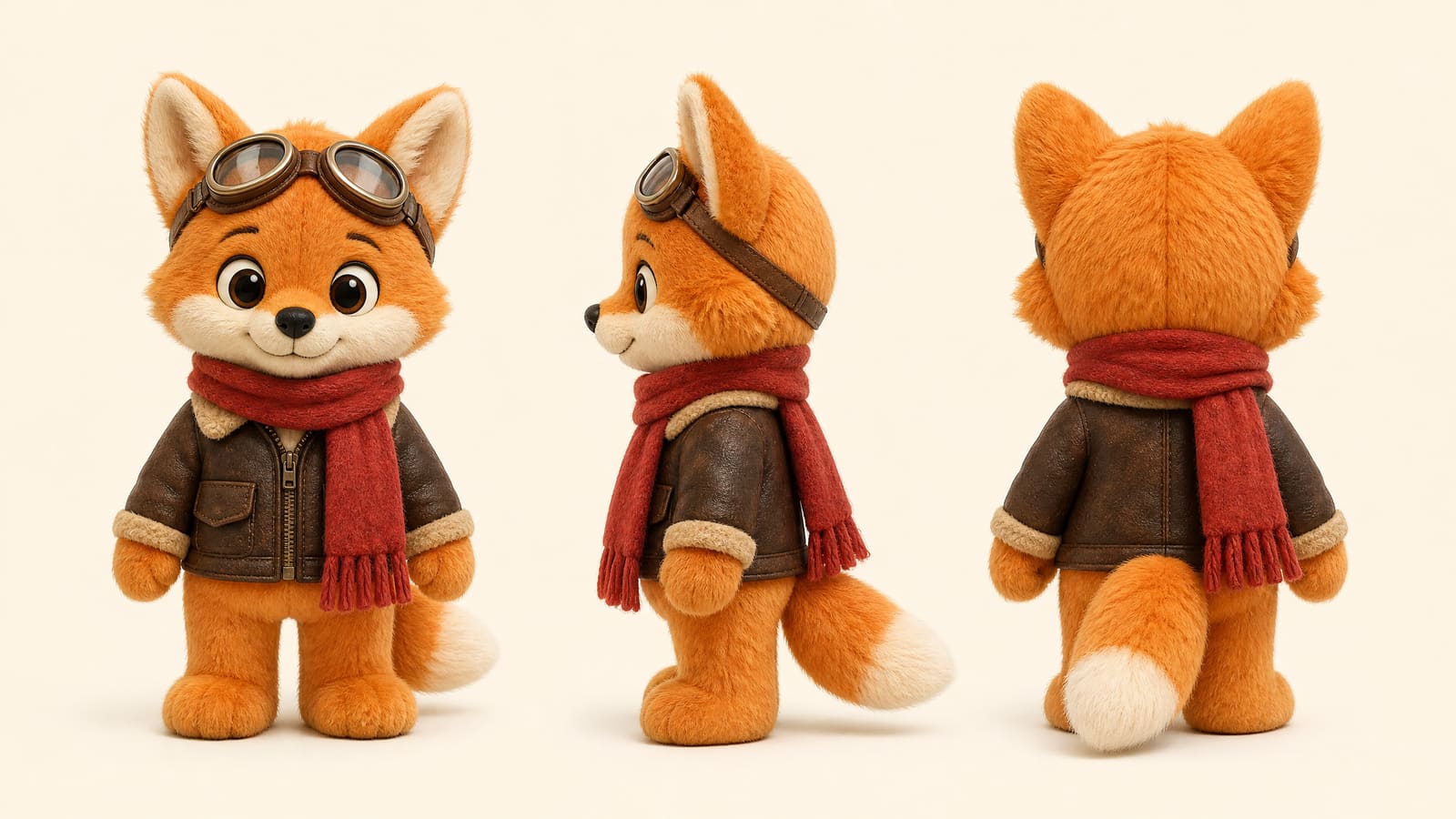
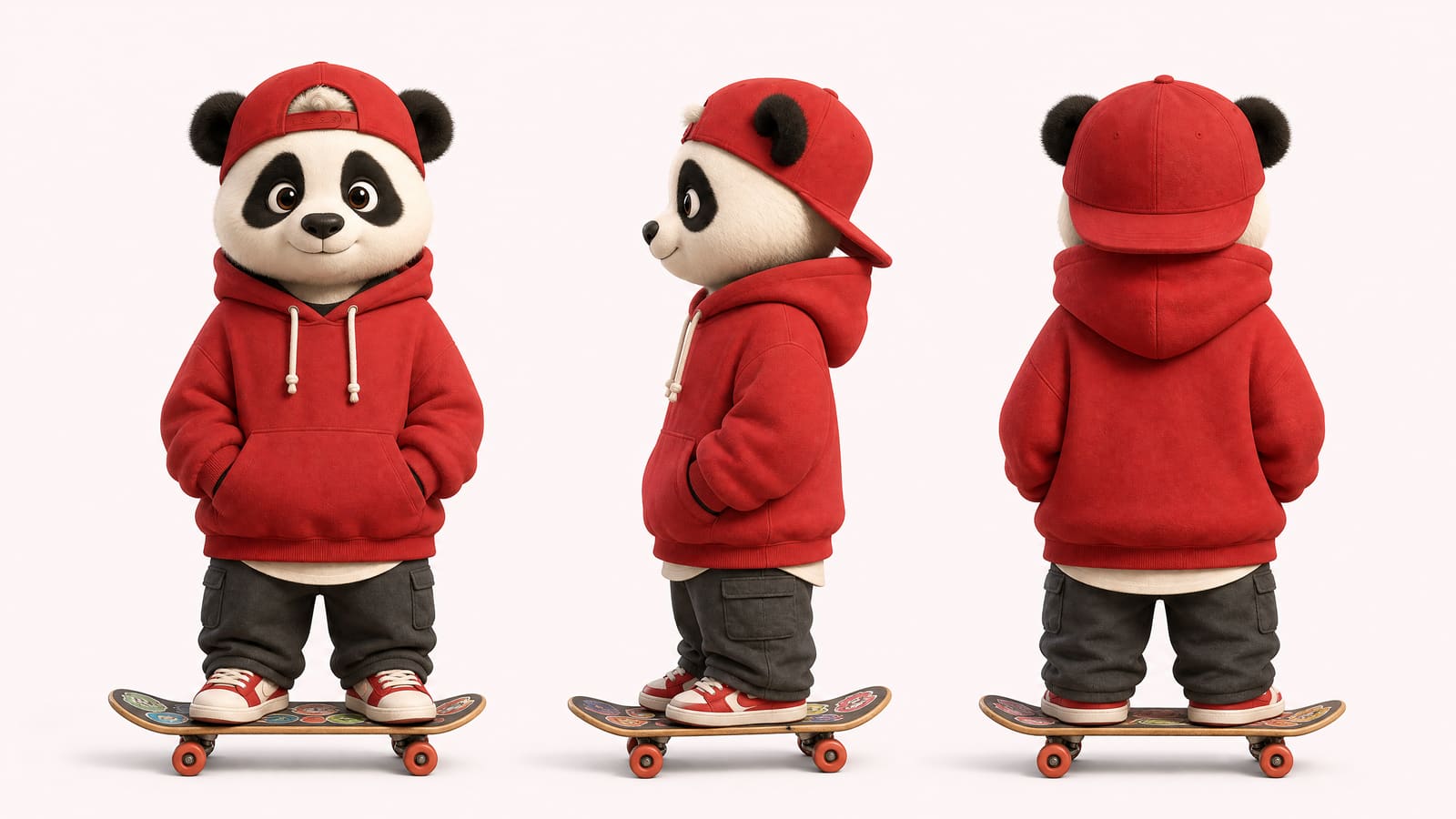
If the character will be swapped into clips with recast video, its structure matters more than the prompt. In our recast tests the fox pilot and the panda skater were clearly recognizable after the swap from their turnaround sheets, while a cylinder-bodied robot with no clear line between head and body was split into two segments, and a short, squat monster was stretched to the tall, thin build of the dancer in the clip.
Put must-keep details on the body, not in the hands
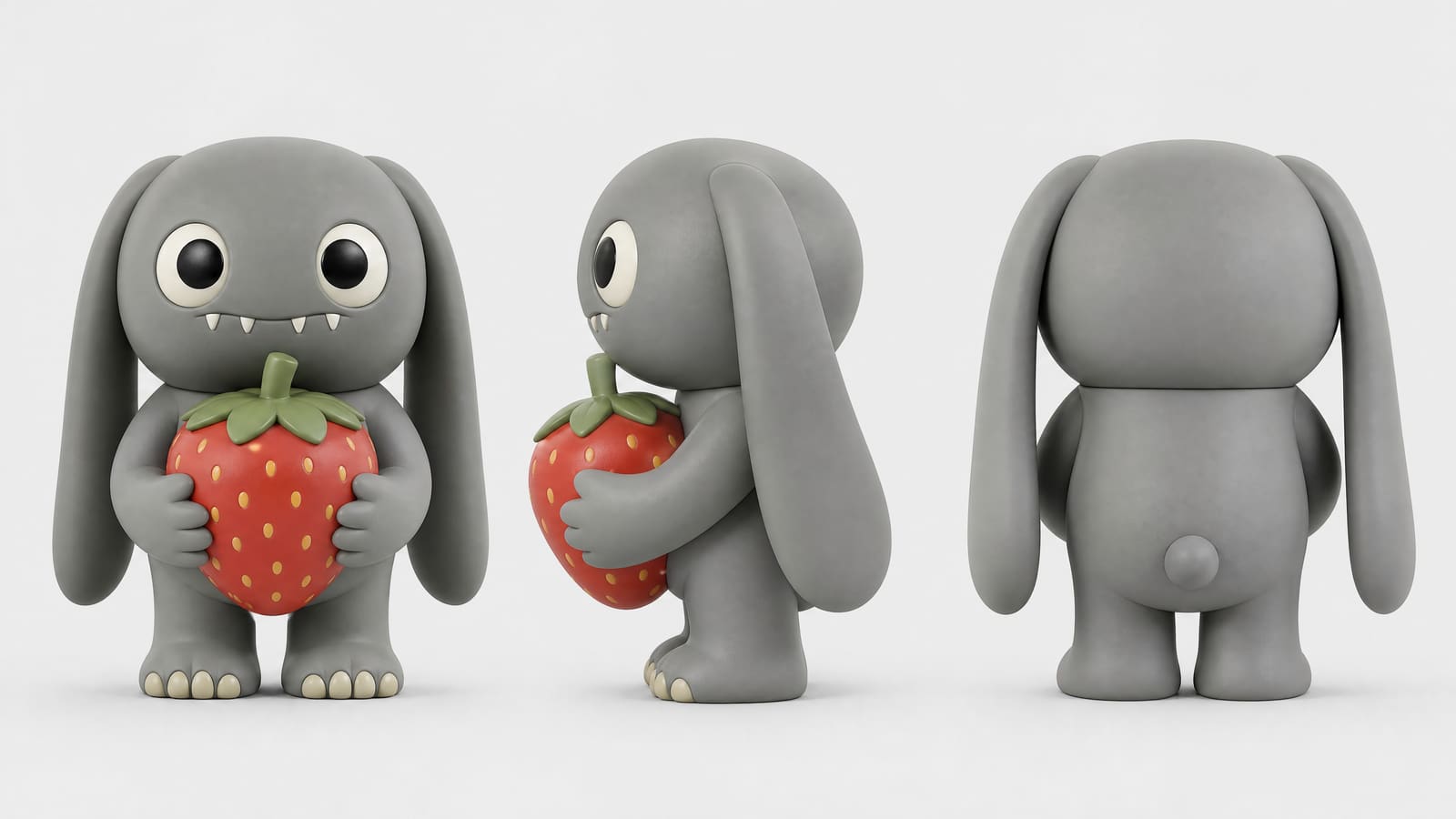
Hats, scarves, markings and a burnt patch travel with the character. Props held in a paw are less reliable downstream: in one recast test, the strawberry a character hugged on its sheet vanished after the first frame. If a prop matters, mention it again in the notes of the next tool.
Character turnaround sheet examples
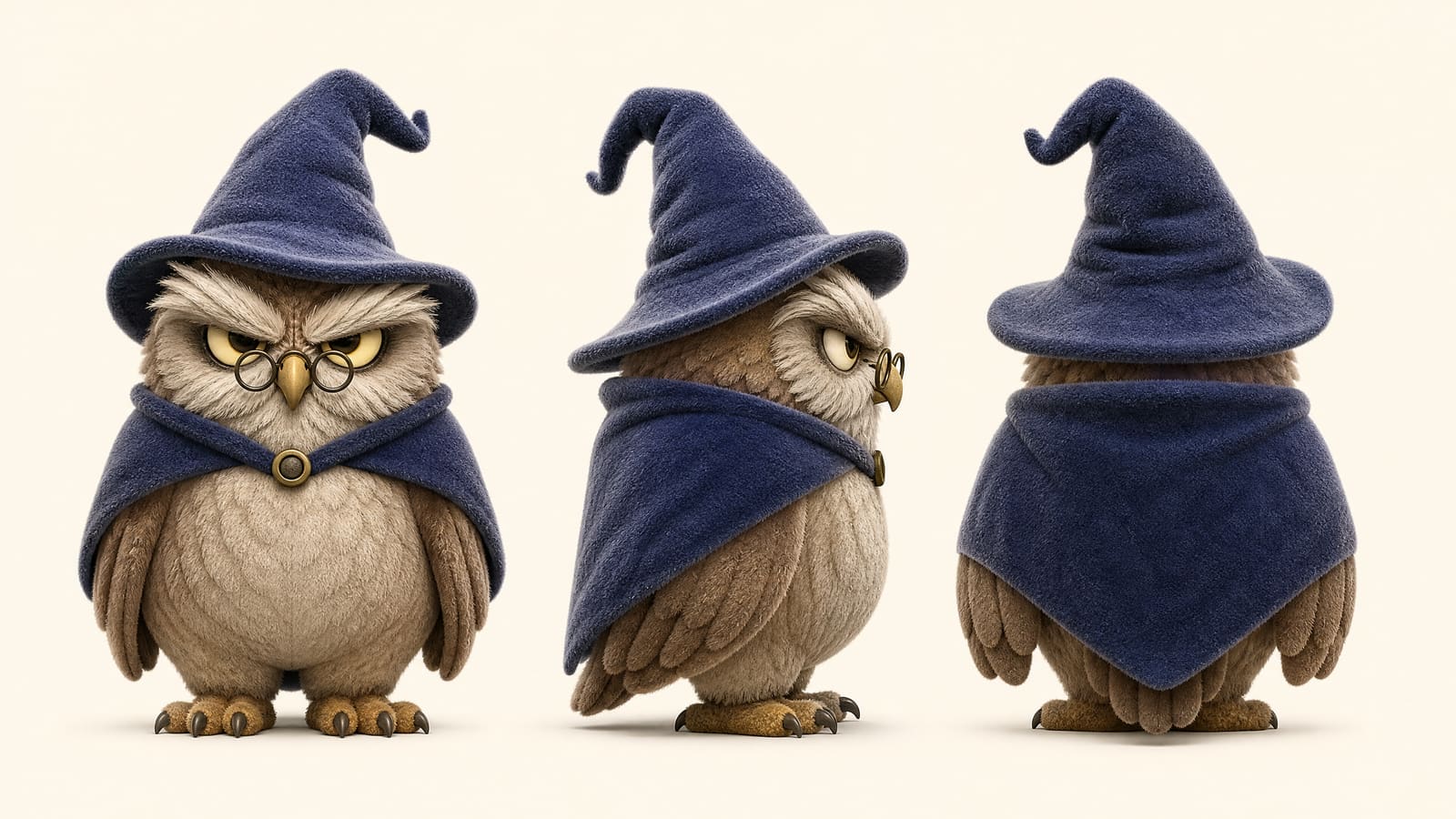
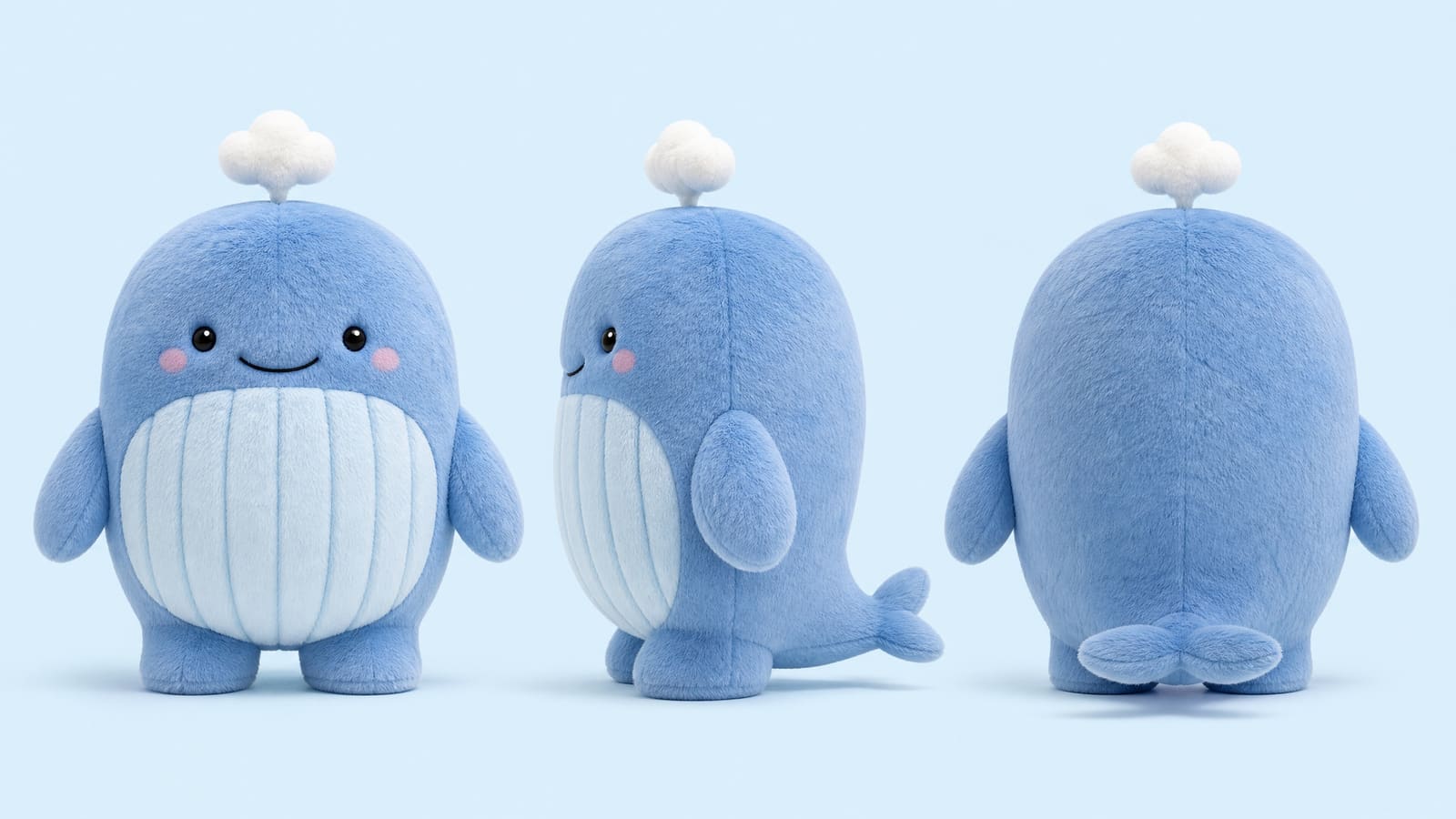
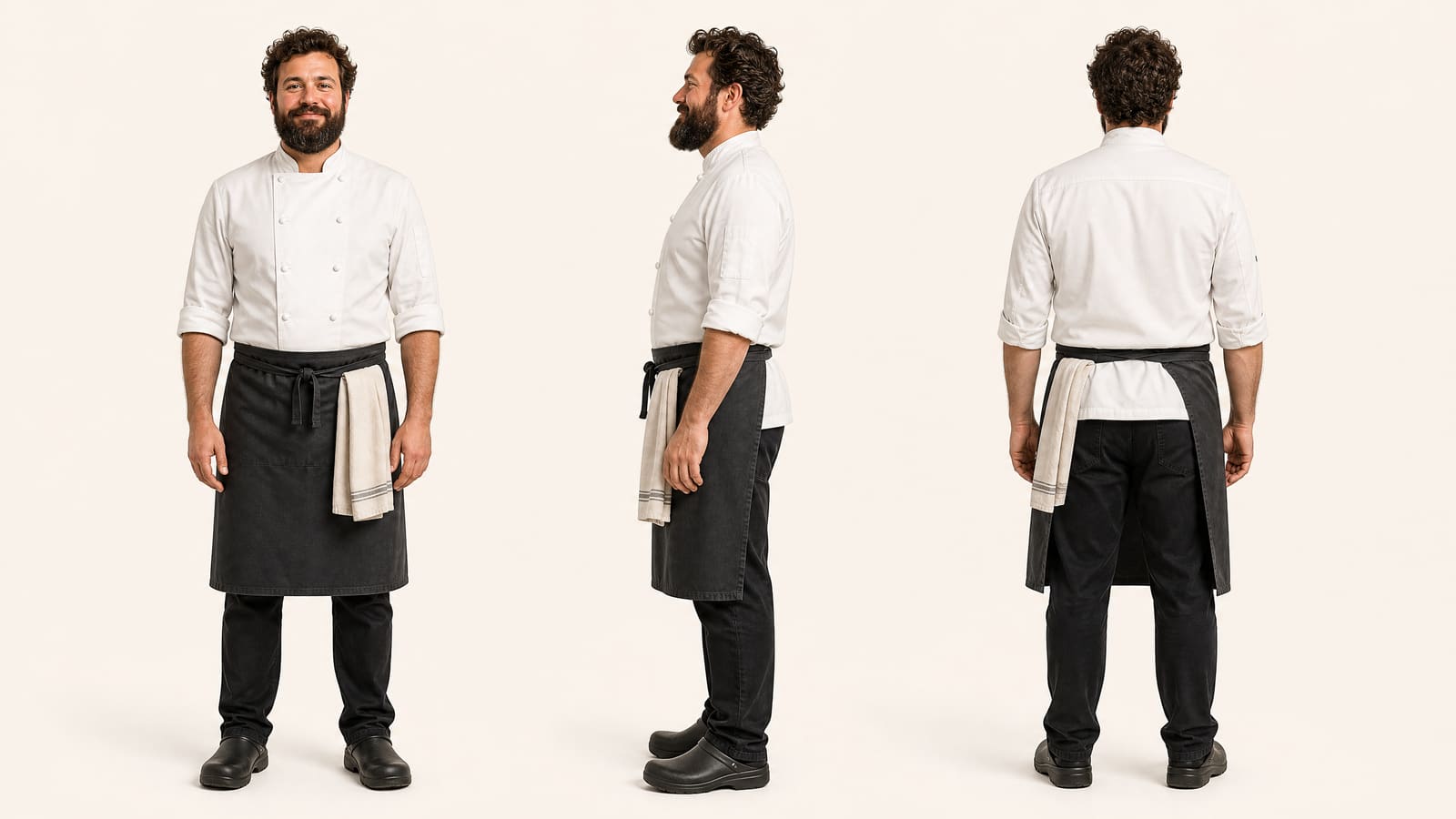
All of these were generated on blubiu.
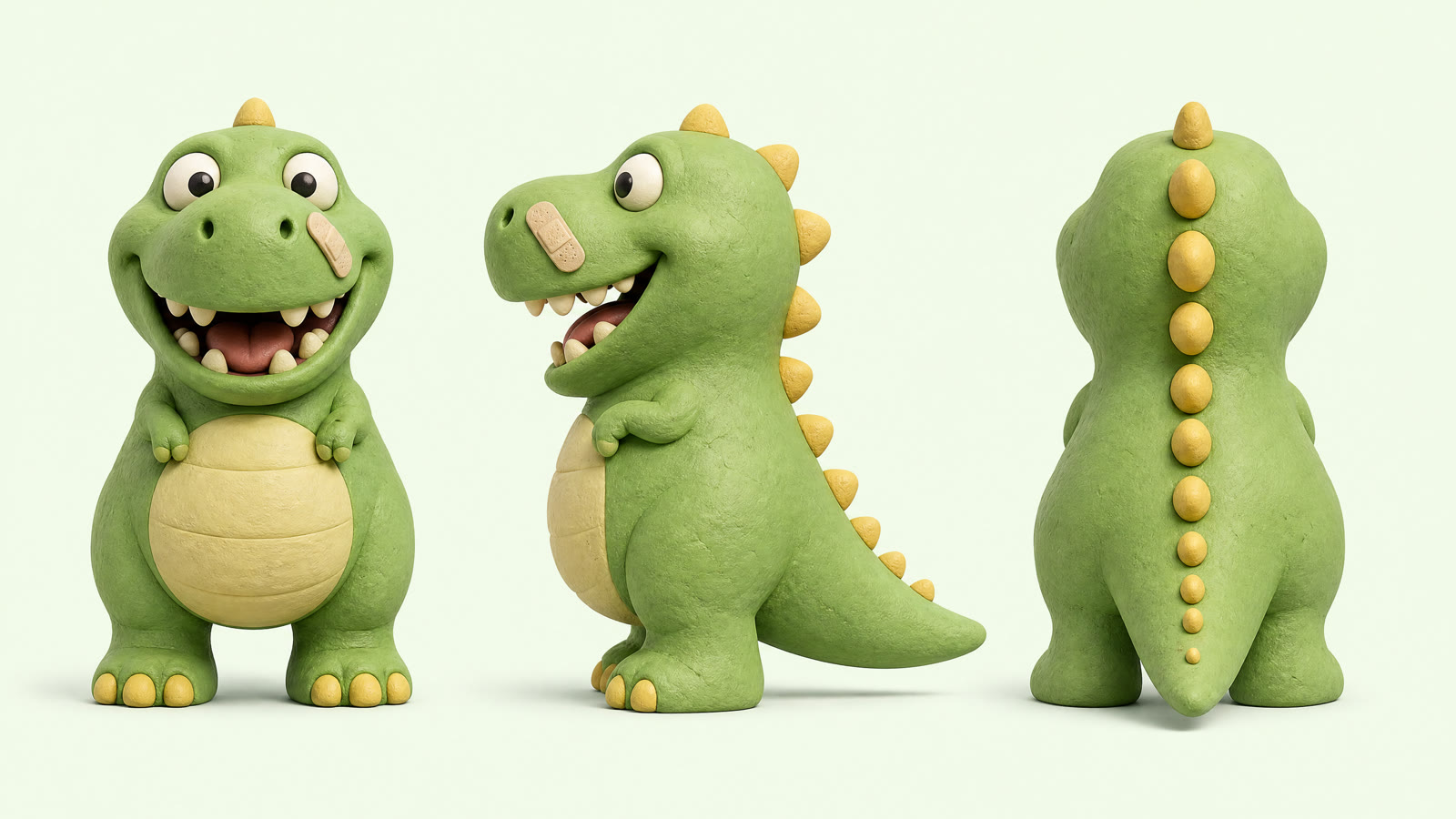
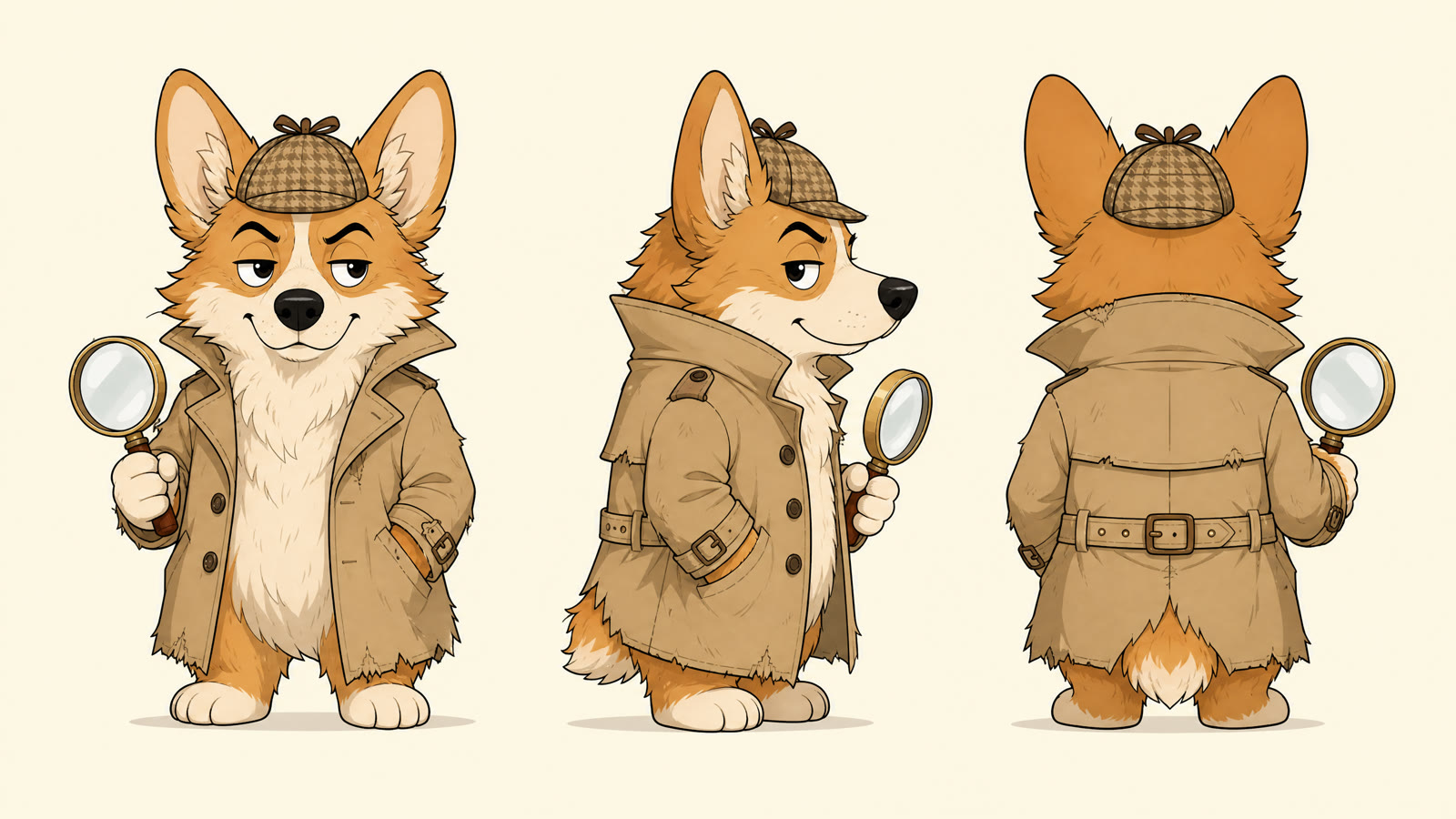
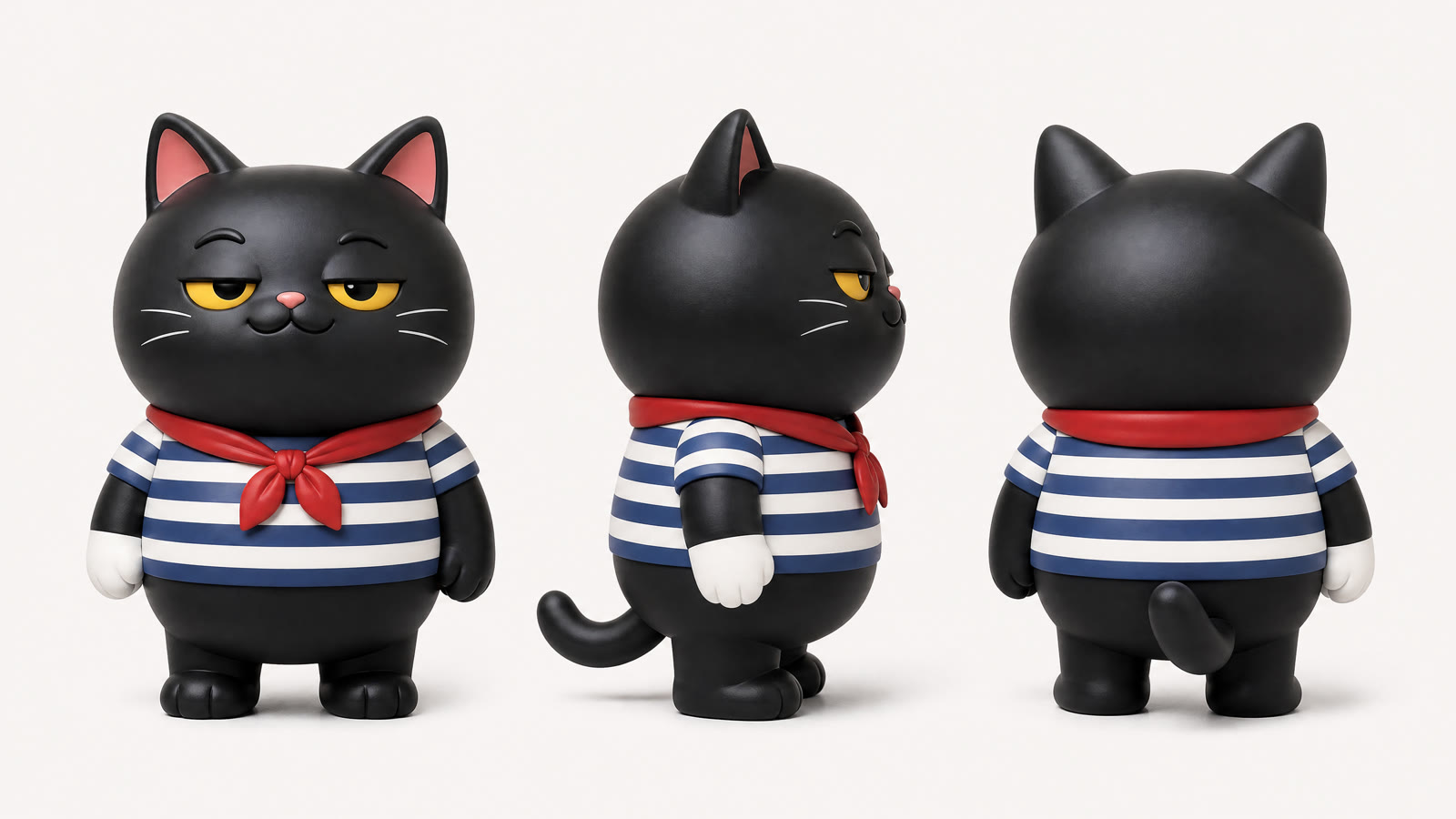
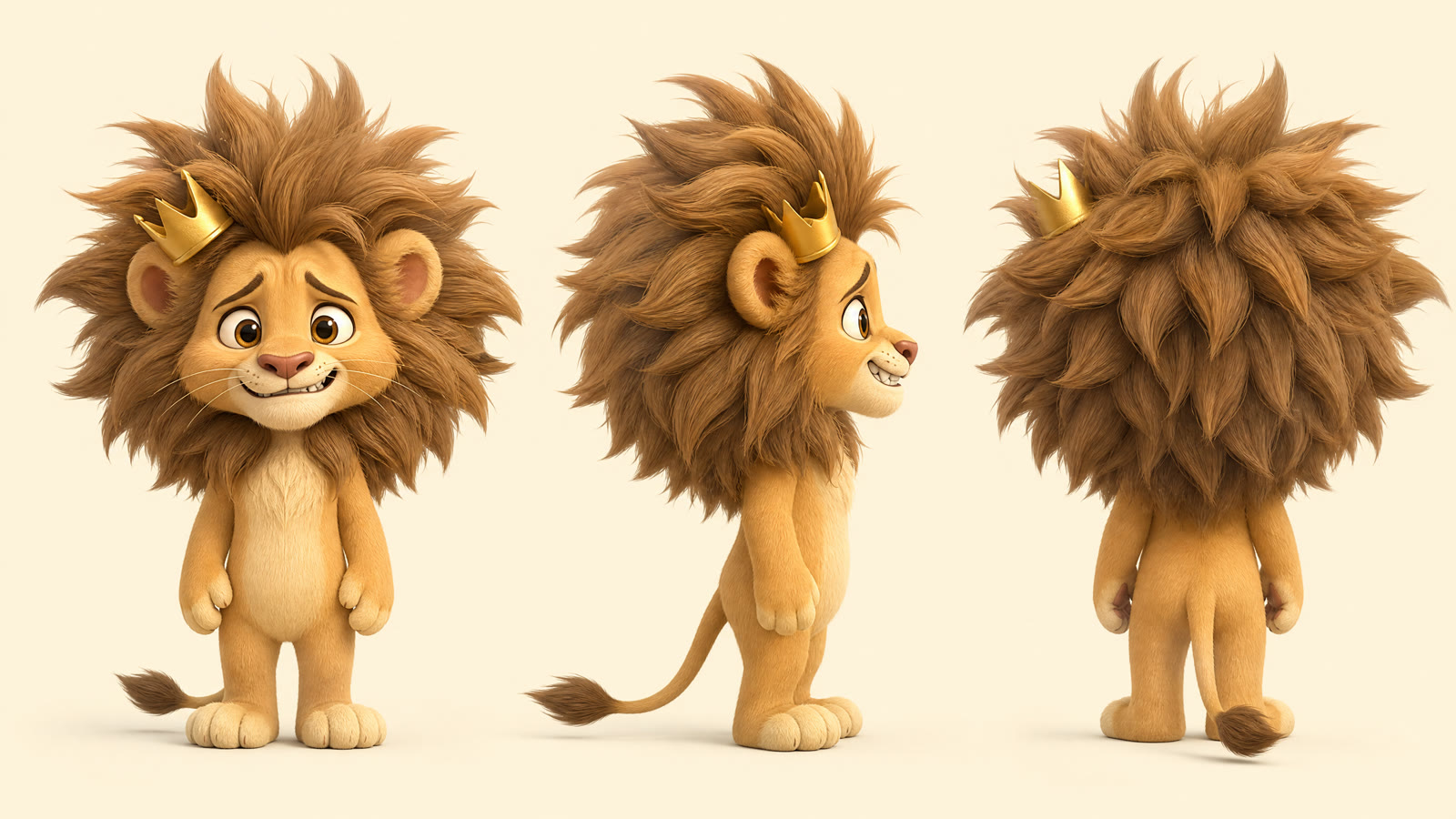
Character turnaround sheet vs. similar tools
| Tool | You give | You get | Best for |
|---|---|---|---|
| Character turnaround sheet (this page) | A one-line description, optional design details (37 styles, build, shape, eyes, ears, mouth), up to 2 reference images | Front, side and back views of one character on one 16:9 2K image, no text | Pinning down any designed character (creature, object, mascot or stylized person) as the reference for later images and videos |
| Mascot generator | Choices: animal, use, personality, material and main color; no prompt | The same front, side and back layout | Animal brand mascots, collectible toys and stickers when you would rather pick than write |
| Character reference sheet | A name, a two-to-three line description and a style | A 16:9 4K board: four-view turnaround, six expressions, detail callouts, palette with hex codes, printed labels | Presenting a finished character to clients or followers; a showcase, not a production reference |
| Consistent character sheet | A description of a person, or up to 2 face photos | Three face close-ups plus front, side and back full body | People you will reuse, such as an AI influencer, and the input for the AI outfit changer |
| AI image generator | A prompt and up to 4 reference images | One image of any scene | A finished scene or illustration once the character exists; attach the turnaround as a reference |
Models behind the character turnaround sheet
Character turnaround sheet FAQ
What is a character turnaround sheet?
It is a model sheet that shows the same character from the front, side and back (often a three-quarter view too) at the same size and pose, so anyone drawing or animating it later knows exactly what it looks like from every angle. blubiu's sheets show front, side and back.
Why a turnaround instead of one portrait?
One portrait only pins the front. A turnaround fixes the side and back too — that is what keeps the character on-model across later shots.
Can I base it on an existing character?
Yes. Upload up to two reference images, such as a sketch, a photo or an earlier sheet, and the sheet follows your design. Still describe the character in a line, because the description decides which feature is drawn as the one everyone notices first.
Why is this tool locked to gpt-image-2?
In our tests GPT Image 2 is the most reliable at keeping one character consistent across viewpoints, and consistency matters more than pixels here. We also tried the newer GPT Image 2.5 Flare on this page; it was not better at turnarounds, so the model stays.
What if the three views do not quite match?
Re-run it, or feed the attempt you like most back as a reference to converge the details. If one feature keeps drifting, name it more concretely in the description, with its shape and where it sits.
Is the character turnaround sheet generator free to try?
Yes. The Free plan includes monthly credits you can spend here, and the Generate button shows the exact cost before you confirm. Failed generations are refunded automatically; plans and credit packs are on the pricing page.
What size is the sheet, and does it have labels?
One 16:9 image at 2K, with the front, side and back views at the same scale, heads and feet aligned, on a light background tinted to the character's main color. It has no labels, arrows or text, so it can go straight into other tools as a reference image.
How is a turnaround sheet different from a character reference sheet?
A turnaround sheet is the production reference: three full-size views and nothing else, made to be attached to later generations. A character reference sheet is a showcase board with a small four-view turnaround, six expressions, detail callouts, a palette and printed labels, made to be looked at. Make the turnaround when you will keep generating the character; make the board when you need to present it.
Does it work for people, or only creatures?
Both: natural photo and lifestyle photo are among the 37 styles, and the templates include a silver-bob creator, a bearded chef and a big-head figure of a cow-ear girl. For a person you plan to dress in new outfits, use the consistent character sheet instead; it adds front, three-quarter and profile face close-ups, which the AI outfit changer relies on to keep the same face.
Can I turn the turnaround into a video?
Yes, as a reference rather than a first frame. Attach it in reference to video to put the character into a new shot, or use it as the character image in recast video to swap it into an existing clip. Motion transfer is the exception: it needs a full-body photo of a real person, and animals and robots were rejected in testing.
Tools to pair with the character turnaround sheet
AI Character Reference Sheet Maker →
Present the finished design on one board with expressions, callouts and a palette; the board is drawn from your description, so reuse the same wording.
Consistent Character Sheet Generator →
If the character is a person you will dress and reuse, add front, three-quarter and profile face close-ups so turned heads stay on-model.
AI Outfit Changer →
Dress a human character in new outfits and poses once you have its sheet saved as a character.
Create Video with AI →
Attach the turnaround as one of up to 9 reference images and describe the shot; the character keeps its look in motion.
Recast Video with AI →
Swap the character into an existing clip of up to 15 seconds; turnaround sheets were the steadiest character images in our tests.
Talking Photo AI →
Give the character a voice: crop the front view and let talking photo AI make it say your script.
Other creation tools
Wire script, character, shot and voice nodes into one pipeline and generate it clip by clip, with the same character in every clip.