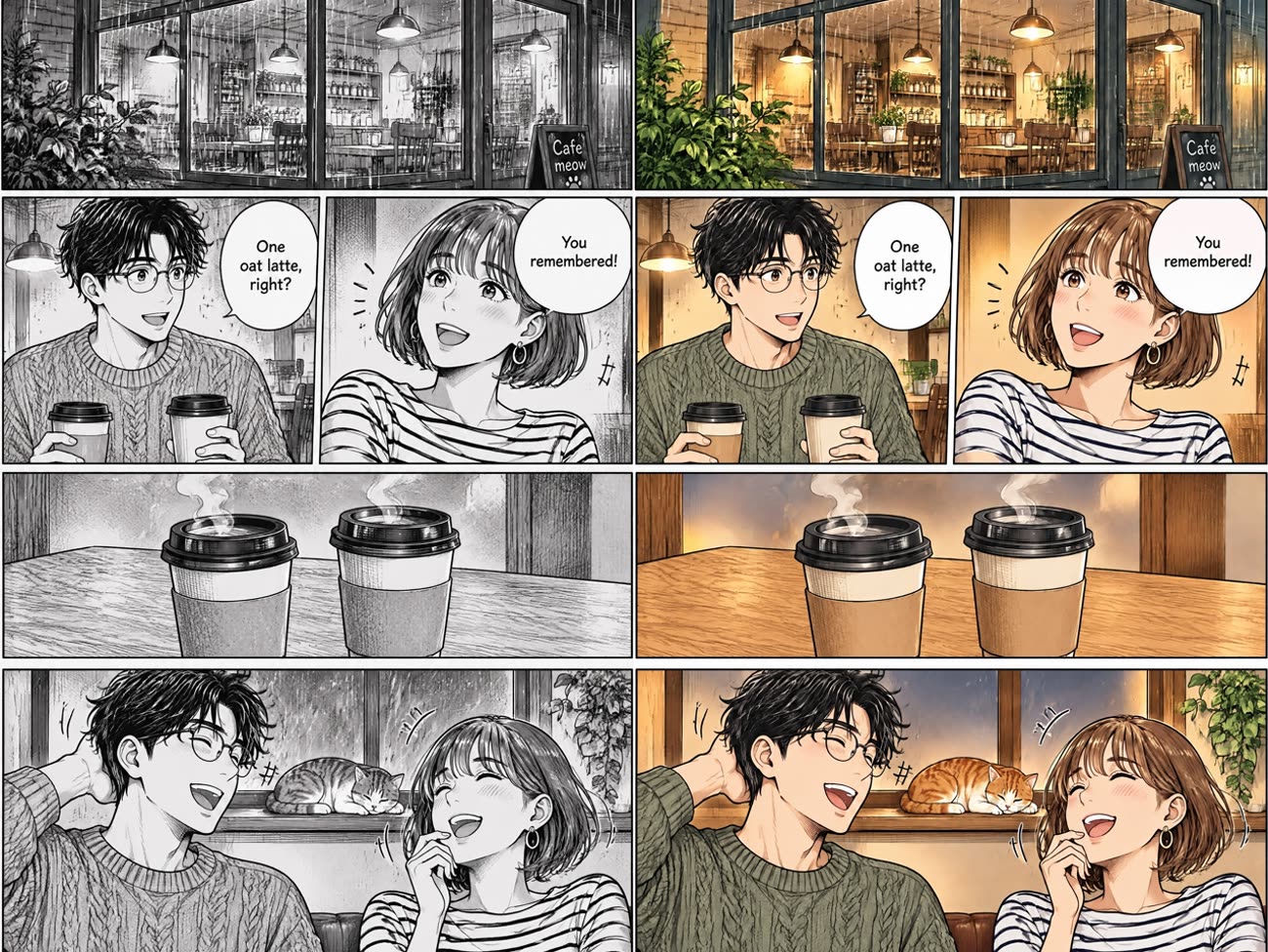
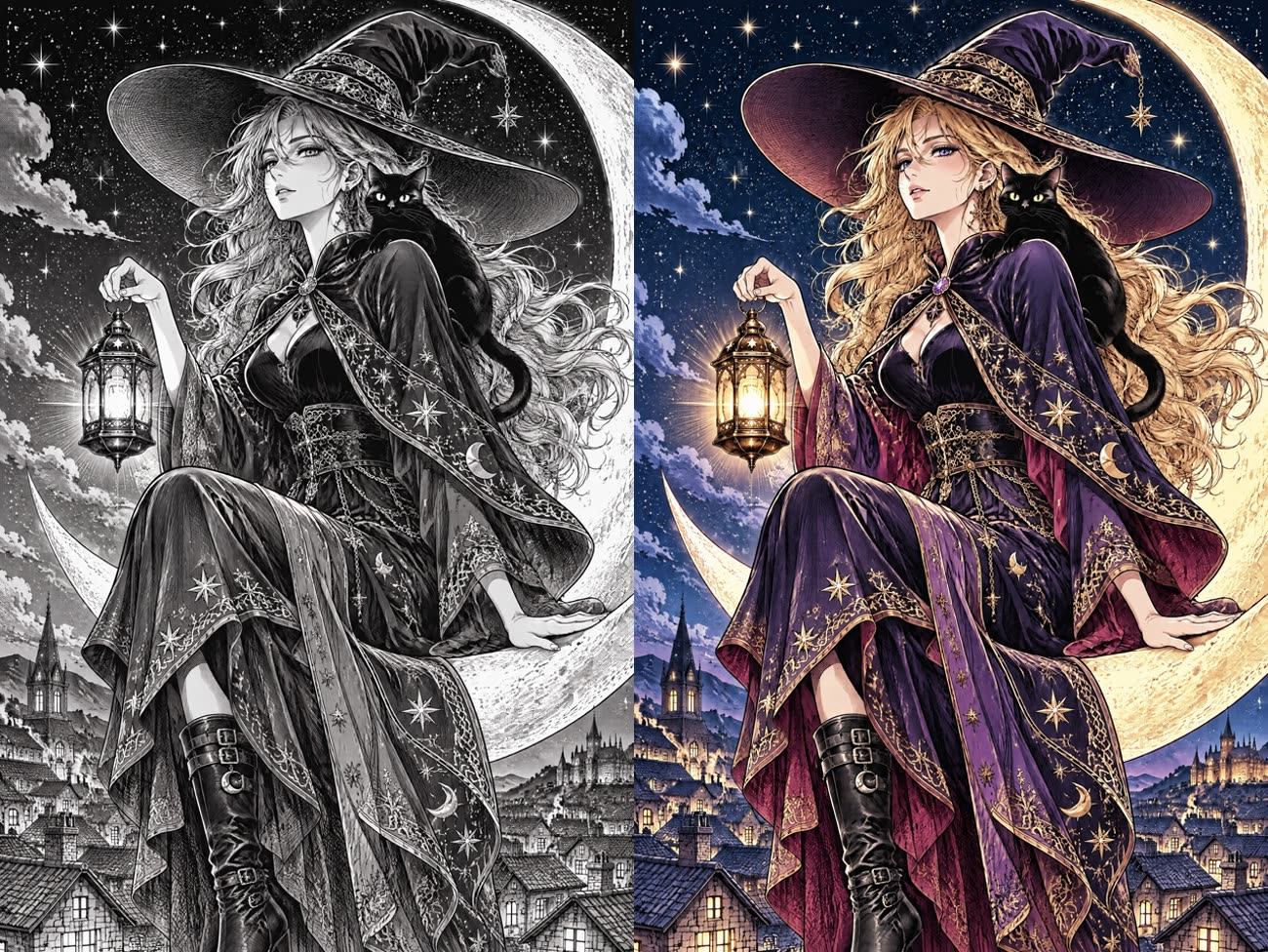
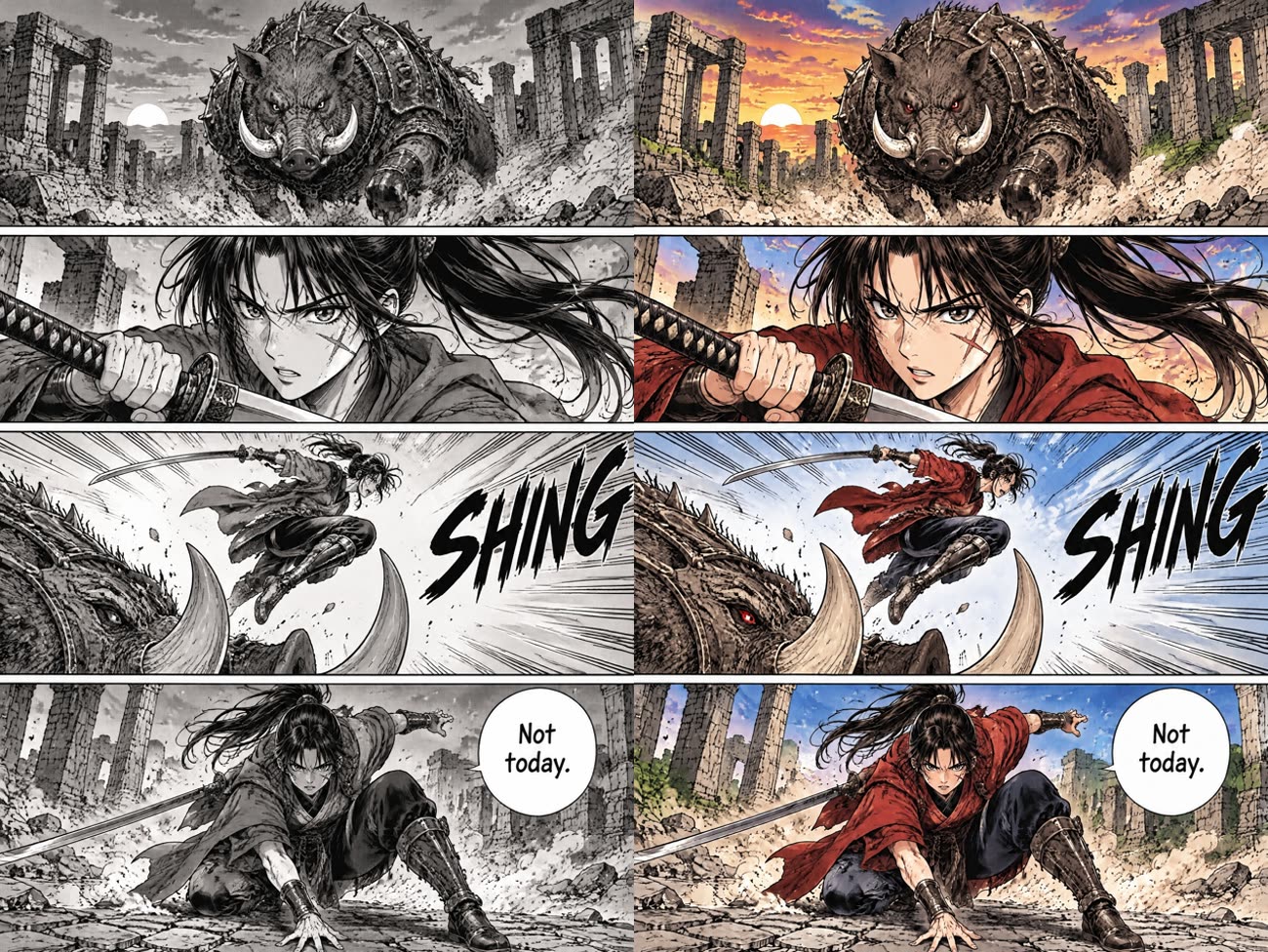
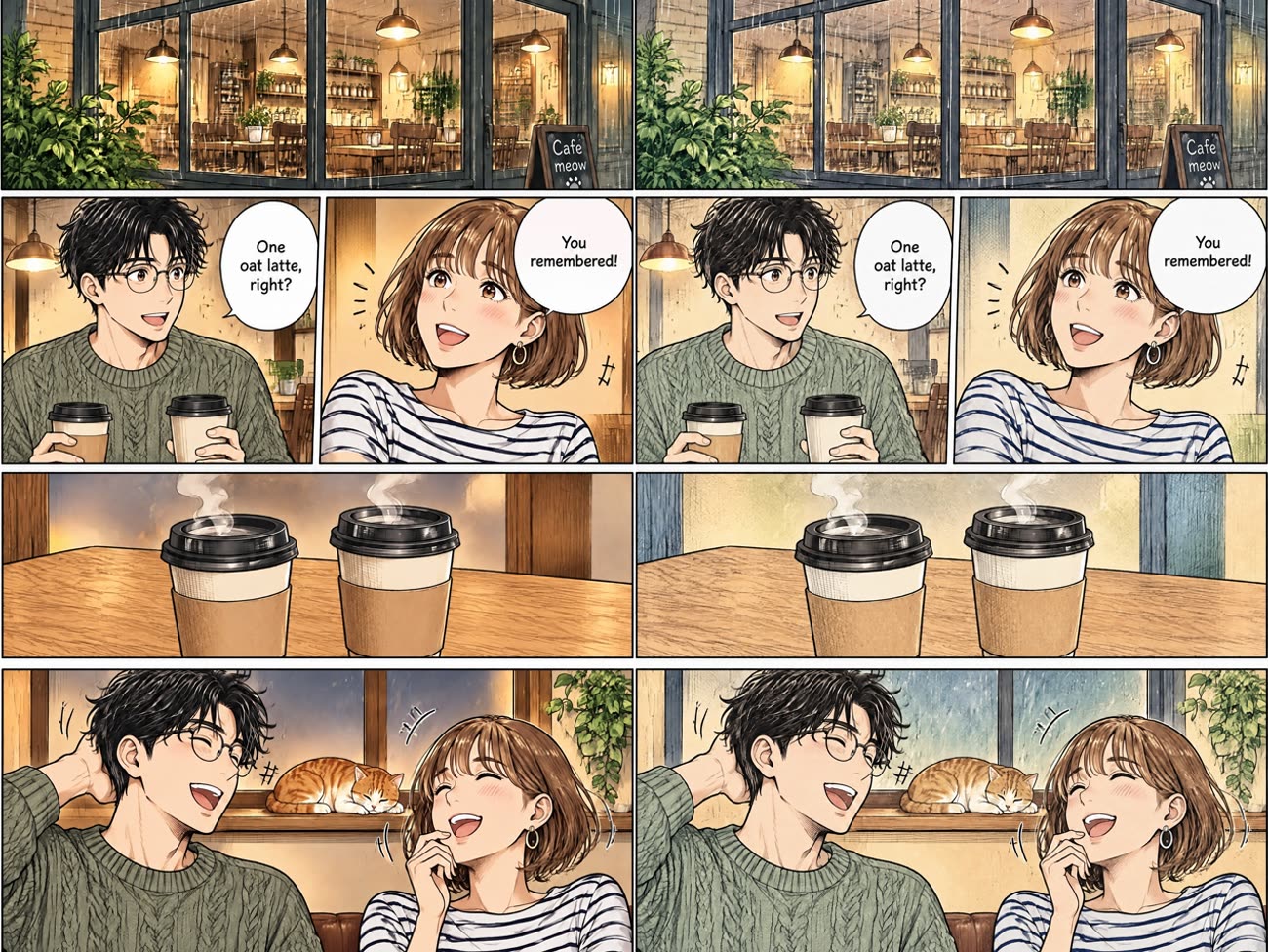
| ToonaSource | Automatic manga colorization with one click, plus color hints to adjust the result. Takes JPG, PNG, PDF and CBZ, including a whole manga chapter, and offers 2x, 3x or 4x upscale presets. Sits next to other tools such as an upscaler and inbetweening. | Takes a whole chapter as a PDF or CBZ file, lets you place color hints on the page, and adds upscaling; here you upload one page image at a time. | You want a colored page you set the palette for with a reference page and a line of notes, at a stated 2K in your page's proportions, with our test results and failures written on the page. |
| Manga Colorizer (mangacolorizer.com)Source | Upload one or more black-and-white pages (PNG, JPG or WEBP), pick a style preset such as soft pastel, bold action, vintage print or webtoon tone, and optionally upload colored images to guide the style. Says it can lock palettes across a chapter, runs on Nano Banana Pro, exports up to 2K or 4K, and can translate the lettering into 15+ languages in the same pass. Pages can be compiled into a chapter, read in a built-in reader and shared by private link. | Translation of the lettering into 15+ languages, 4K export, more style presets, multi-page upload and a chapter reader with share links. We have none of these. | You want the lettering left exactly as drawn: the recipe forbids changing, translating or retyping any text. Our tested timing (27 to 35 seconds a page) is on this page. |
| Artificial StudioSource | Upload line art or a manga panel, write a prompt for the colors and style, and press Run; it says the result takes a few seconds. Reference images keep colors consistent across a project. Lists export to Photoshop, Clip Studio Paint, Procreate, Krita and Illustrator, an API for developers, and says uploads are not stored after colorization. | A stated few seconds per image against our 27 to 35, export into drawing apps, an API, and a stated policy of not storing uploads. | You don't want to write a prompt: the recipe already tells the model to keep every line, bubble and letter and only add color, and the notes box is optional. |