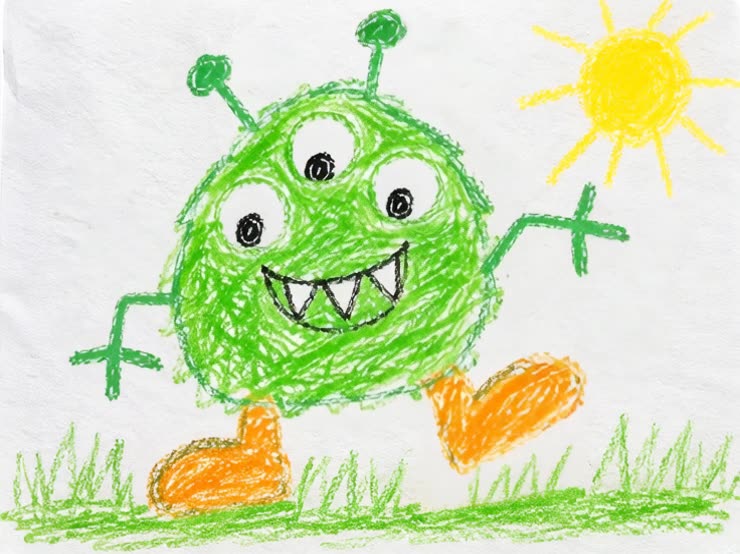
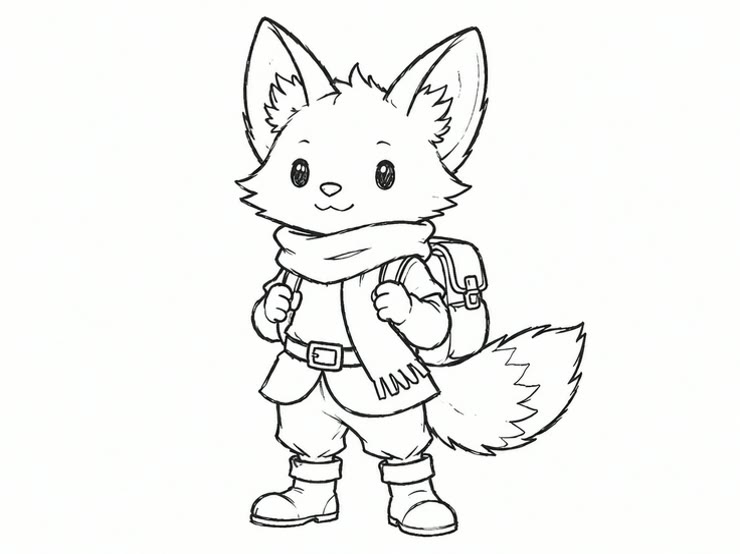
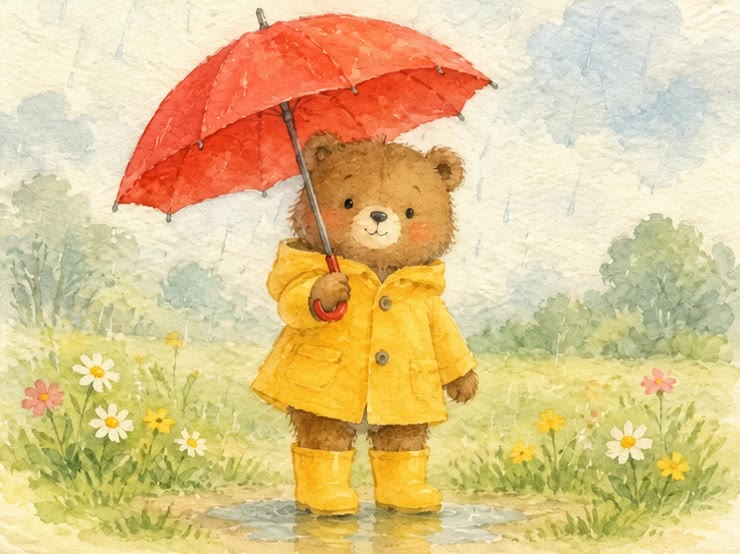
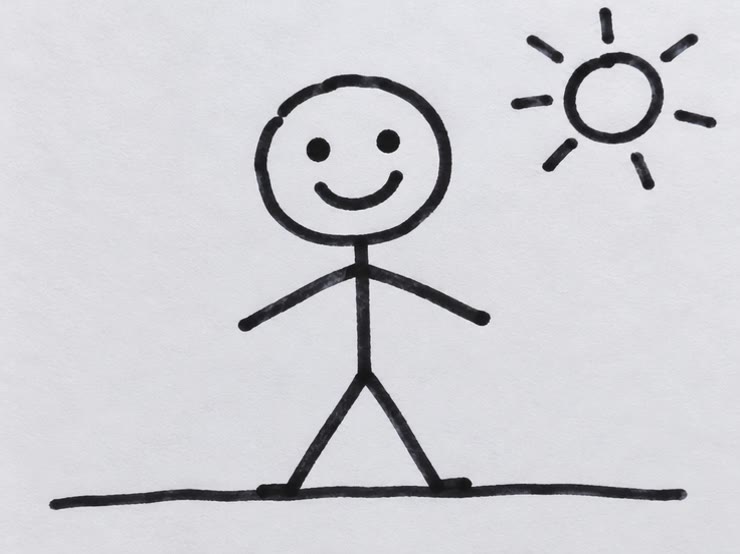
| Animated Drawings (Meta FAIR)Source | A research demo built at Meta AI Research. You upload a drawing of one character on white paper, check the box it puts around the character, the highlighted mask and the joints, then choose a motion and the character performs it with motion capture data. The result can be saved or shared. | The motion comes from motion capture, so a walk or a dance follows a recorded performance, and you can fix the mask and move the joints by hand before it animates. Our clips are generated, and no step lets you correct them. | Your drawing has a background, several characters or limbs that overlap the body, or the clip is for commercial use. Meta's page asks for one character whose arms and legs do not overlap the body, and its terms say the demo may not be used for any commercial purpose, may not be used by anyone under 18 and is not open to residents of Illinois or Texas. |
| DrawMingoSource | Upload a JPG, PNG, WebP or GIF of a drawing (max 10MB) and get an MP4. The page says animations are created in 2 to 5 minutes, each generation uses 10 credits, and you can add AI narration and character dialogue or record your own. It is aimed at children aged 3 to 12 with a parent. | Narration and character dialogue, including your child's own recorded voice. This page makes movement only and has no voice. | You want to choose the length (5, 8 or 10 seconds) and the resolution (480P, 720P or 1080P) yourself; DrawMingo's page states neither. Our four test clips took 88 to 165 seconds. |
| WigglyPaintSource | A drawing tool in the browser: you draw on its canvas with animated brushes and the strokes wiggle automatically. The page says the web tool is free and does not require signup, that your art stays on your device, and that its iPhone and iPad app exports GIFs and videos. | Free with no account, nothing is uploaded, and the wiggle appears as you draw with no waiting. This page needs a sign-in, sends the drawing to a video model and takes a minute or more. | You already have a drawing on paper and want the character in it to do something: wave, walk, dance. WigglyPaint's page describes wiggling lines you draw in its own canvas and does not mention uploading a picture. |

 Before